

Notion
Notion is an all-in-one workspace that blends notes, databases, and project management into a highly customizable interface. Its integrated AI helps users summarize notes and draft content directly within their pages.
Notion
Notion provides an all-in-one workspace solution for organizing knowledge, managing projects, and taking notes. By combining highly customizable databases with a block-based document editor, it helps individuals, creators, and enterprise teams effortlessly build systems tailored to their exact needs. The platform focuses on bypassing scattered tools by offering a single, flexible canvas that serves as a company wiki, task tracker, and AI writing assistant.
Core Features of Notion
- Relational Databases: Build interconnected tables, Kanban boards, calendars, and galleries.
- Notion AI: Integrated AI to generate text, summarize notes, and autofill database properties.
- Block-Based Editor: Drag and drop text, images, code snippets, and embeds to build dynamic pages.
- Massive Template Gallery: Thousands of community and official templates for any use case.
- Web Clipper: Easily save articles, links, and inspiration directly into your databases.
Why Choose Notion?
- Total Customization: Build exactly the workflow you need, from a simple to-do list to a complex CRM.
- Centralized Knowledge: Replaces multiple apps (Google Docs, Trello, Evernote) with one source of truth.
- Team Alignment: Real-time collaboration, task assignment, and transparent company wikis.
- Aesthetics: Clean, minimalist design that makes organizing data visually appealing.
Notion Pricing
- Free Plan: Unlimited blocks for individuals, basic page analytics.
- Plus Plan: $8 per user/month, adding unlimited file uploads and team collaboration features.
- Business Plan: $15 per user/month, adding SAML SSO and advanced page analytics.
- Notion AI: Available as an add-on to any plan for an additional $8-$10 per user/month.
Who is Notion Best For?
Notion is designed to provide adaptable, centralized organizational solutions, helping teams and individuals quickly establish structured workflows without rigid, pre-built software. Great for the following:
- Startups & Agencies: Building company wikis, onboarding docs, and client portals.
- Content Creators: Managing editorial calendars, scripting videos, and tracking sponsorships.
- Web Developers: Organizing code snippets, tracking bug reports, and managing sprint boards.
- Students: Taking structured lecture notes and tracking assignment deadlines.
Notion is highly effective in its domain, offering a blend of aesthetic design and deep database functionality. While its initial setup can be daunting for beginners, its competitive edge in flexibility and consolidation is particularly strong.
Notion Pros & Cons
Notion Pros
- Unrivaled flexibility and customization for creating workflows.
- Beautiful, clean, and minimalist user interface.
- Seamless integration of Notion AI directly into documents.
Notion Cons
- Steep learning curve to master advanced relational databases.
- Offline mode is notoriously limited and unreliable.
- It can become slow and cluttered if not organized properly.
Final Verdict: Is Notion Worth It?
Notion provides a robust platform for anyone looking to consolidate their digital life or company operations. With its focus on block-based building and aesthetic databases, it is an invaluable asset. Whether you are planning a website migration or managing an affiliate marketing matrix, it provides a reliable, customizable foundation for your data.
Possible Alternatives to Notion
- Obsidian: Better for local, offline note-taking and complex bidirectional linking.
- Evernote: A simpler, more traditional note-taking app with excellent OCR scanning.
- Monday.com: Superior for large-scale, rigid enterprise project management and automation.
Related Articles
Best Free SaaS Tools in 2026: 50+ Free Tools
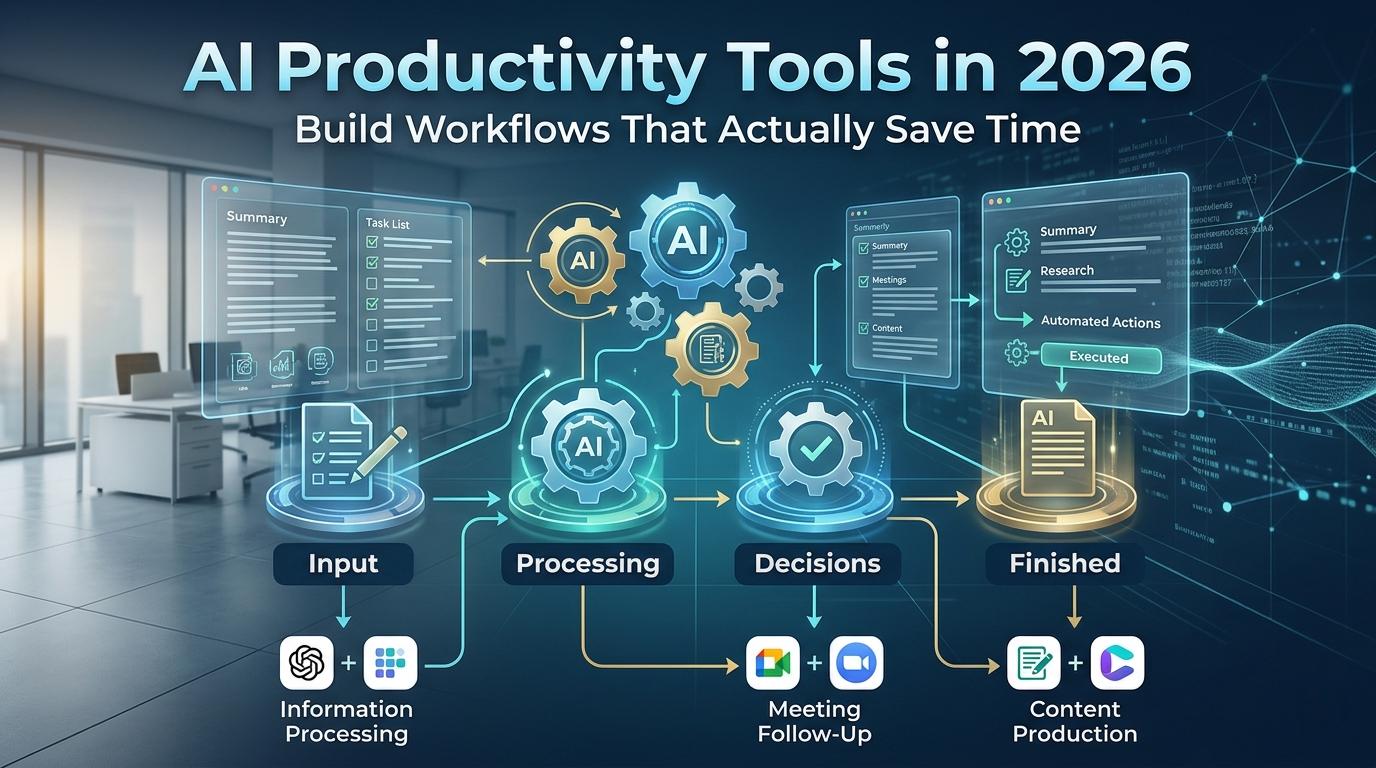
AI Productivity Tools in 2026: Build Workflows That Save Time

15 AI Workflow Automation Tools That Save Hours Every Week in 2026
8 Best AI Tools for Beginners in 2026 (Free & Paid Apps)