
Quick Summary: AI meeting assistants are no longer a luxury — they’re becoming the backbone of modern workplaces. In this guide, we break down the top tools, what makes each one unique, and how to pick the perfect one for your workflow.
The Meeting Problem Nobody Talks About
Let’s be honest — most of us waste too much time in meetings. You’re either scribbling notes, half-listening during recaps, or spending 30 minutes after the call trying to remember who said what.
Here’s the thing: AI is changing all of that.
According to Metrigy’s global research, 42% of companies plan to fully deploy AI meeting assistants in 2026. That’s not a niche trend — that’s a workplace revolution happening right now. And if you’re a developer, startup founder, or tech-savvy professional in the US, getting ahead of this curve isn’t just smart — it’s essential.
In this post, we’re going to walk you through everything you need to know about AI meeting assistants: what they are, why they matter, the top tools available right now, and how to choose the right one for your specific needs.
What Is an AI Meeting Assistant?
An AI meeting assistant is software that automatically joins your virtual meetings (on Zoom, Google Meet, Microsoft Teams, etc.) and handles the cognitive heavy lifting for you. Think of it as your incredibly smart intern who never sleeps, never gets distracted, and always takes perfect notes.
Here’s what a great smart meeting assistant typically does:
· Real-time transcription — Converts spoken conversation into text as the meeting happens
· Automated meeting summaries — Generates clean, structured recaps after the call
· Action item extraction — Identifies tasks and next steps automatically
· Speaker identification — Labels who said what
· CRM & app integration — Syncs notes to tools like Salesforce, HubSpot, Notion, and Slack
· Search & retrieval — Lets you find any moment from any past meeting in seconds
The best part? The software does everything in the background, letting you focus fully on the conversation.
Why You Need One Right Now
⏱️ Time Is Money
The average professional loses hours every week to unproductive meetings and post-meeting documentation. Productivity AI tools for work, like meeting assistants, can reclaim that time effortlessly.
Remote Work Is Here to Stay
Whether you’re remote, hybrid, or managing teams across time zones, AI assistants are essential. In distributed environments, documentation keeps collaboration strong.
The Engagement Problem
Here’s a sobering stat: despite boosting productivity, AI-driven workplace changes have contributed to a “weakened connection” at work — resulting in 8 million fewer engaged workers globally. A good AI meeting tool doesn’t just save time; it helps you show up more present and intentional in every meeting you attend.
The Management Shift
41% of job seekers are now rejecting manager roles — a sign that traditional meeting-heavy management styles are burning people out. AI tools that reduce the burden of meetings and documentation are helping companies rethink how leadership works.
The Big Technology Shift: Goodbye Bots, Hello Bot-Free Recording
One of the most exciting shifts in AI workplace tools in 2026 is the move from “virtual bot joins your call” to device-level, bot-free audio capture.
In the old model, an AI bot would join your Zoom call as a visible participant, which felt awkward and sometimes made clients or new team members uncomfortable. The new model captures audio directly from your device without any visible participant, making the experience completely seamless.
This matters a lot for privacy-sensitive industries like healthcare, law, and finance — and it’s quickly becoming the standard.
Top 8 AI Meeting Assistants in 2026 (Detailed Breakdown)
Let’s compare the tools. Each one stands out due to specific strengths rather than just popularity.
1. Fireflies.ai — Best for Conversation Analytics & Sales Teams
If your job involves customer calls, demos, or any kind of revenue conversation, Fireflies.ai is a powerhouse. It doesn’t just transcribe — it analyzes.
What makes it stand out:
· Deep CRM integration with Salesforce and HubSpot (auto-syncs notes after every call)
· Tracks advanced metrics: sentiment, talk-to-silence ratios, monologue length
· Keyword tracking and topic filters for compliance review
· Generates AI summaries searchable across your entire meeting history
Best for: Sales teams, customer success managers, revenue operations
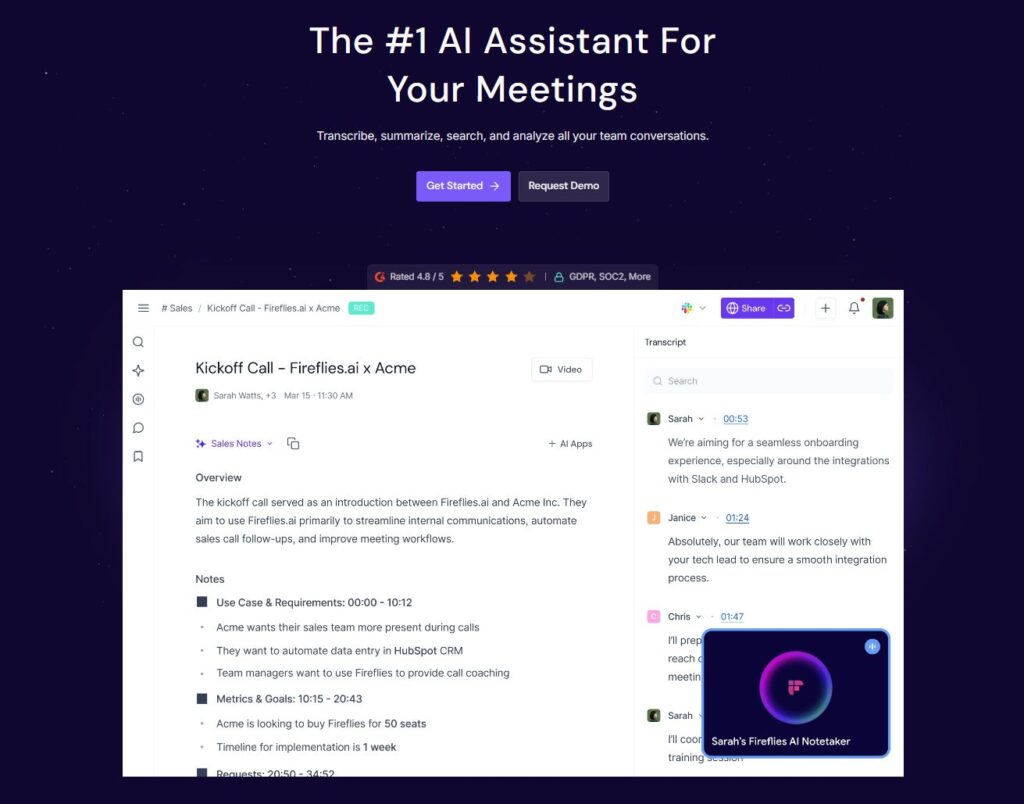
If you’re seeking AI-powered meeting notes, Fireflies.ai has robust sales analytics, uniquely combining CRM features with compliance tools—making it a top choice in this context.
2. Otter.ai — Best for Real-Time Team Collaboration
Otter.ai is probably the most well-known name in this space — and for good reason. Its superpower is turning meetings into a collaborative, live experience rather than a solo transcription exercise.
What makes it stand out:
· Team members can comment, highlight, and tag notes while the meeting is happening
· Real-time transcription appears on your screen as people speak
· Supports shared workspace for teams to access the same meeting notes
· Integrates natively with Zoom, Google Meet, and Microsoft Teams
Best for: Distributed teams, educators, content teams
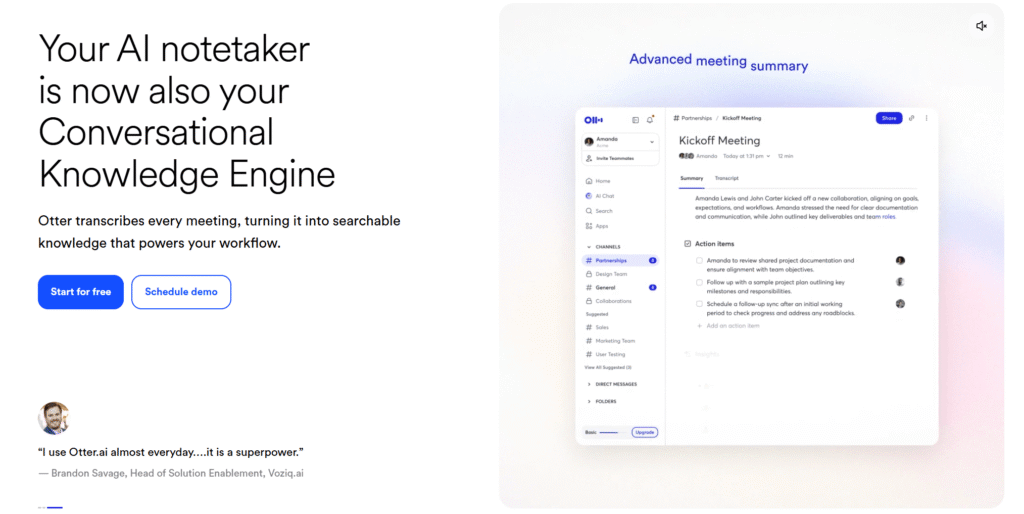
If you want easy live transcription and real-time collaboration, Otter.ai is more accessible to new users than others on this list.
3. Hedy AI — Best for Proactive In-Meeting Coaching
This one’s genuinely different. While most tools work after the meeting, Hedy AI works during it — proactively.
What makes it stand out:
· Automatically identifies moments where you might want to provide context, a statistic, or a follow-up question — without being asked
· Supports 30+ languages, making it ideal for global teams
· Integrates with 10,000+ apps via native connectors
· Particularly powerful for interviews, negotiations, and sales pitches
Best for: International teams, consultants, professional coaches, job interviewers
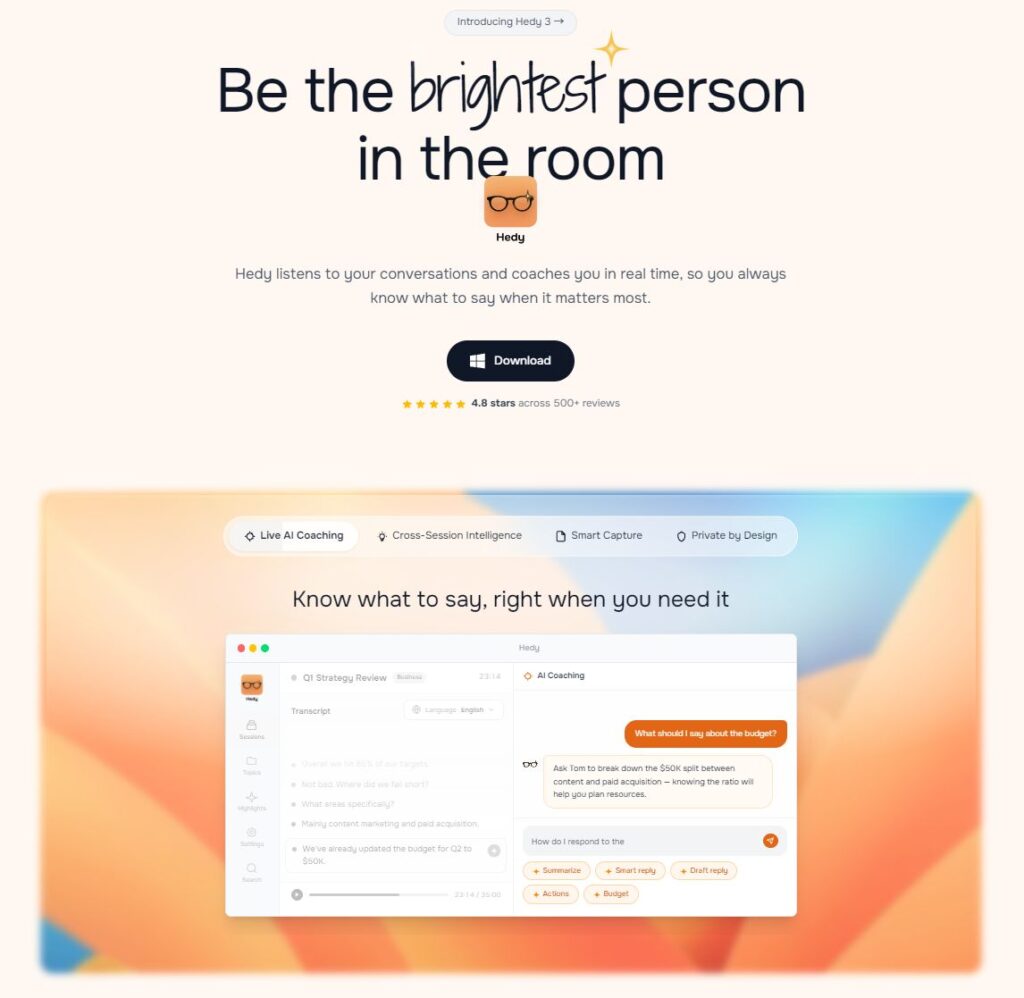
4. CraftNote — Best for Privacy-First Organizations
CraftNote leads the charge in the bot-free movement. If you work in healthcare, legal, or any environment where a robot “joining” your call feels inappropriate or legally sensitive, this is your tool.
What makes it stand out:
· Captures audio directly from your device — no visible bot joins the meeting
· Delivers clean, structured AI summaries without compromising the meeting atmosphere
· Designed specifically for privacy-sensitive enterprise environments
· Meets the growing demand for meeting automation software that doesn’t creep out your clients
Best for: Healthcare professionals, lawyers, financial advisors, enterprise compliance teams
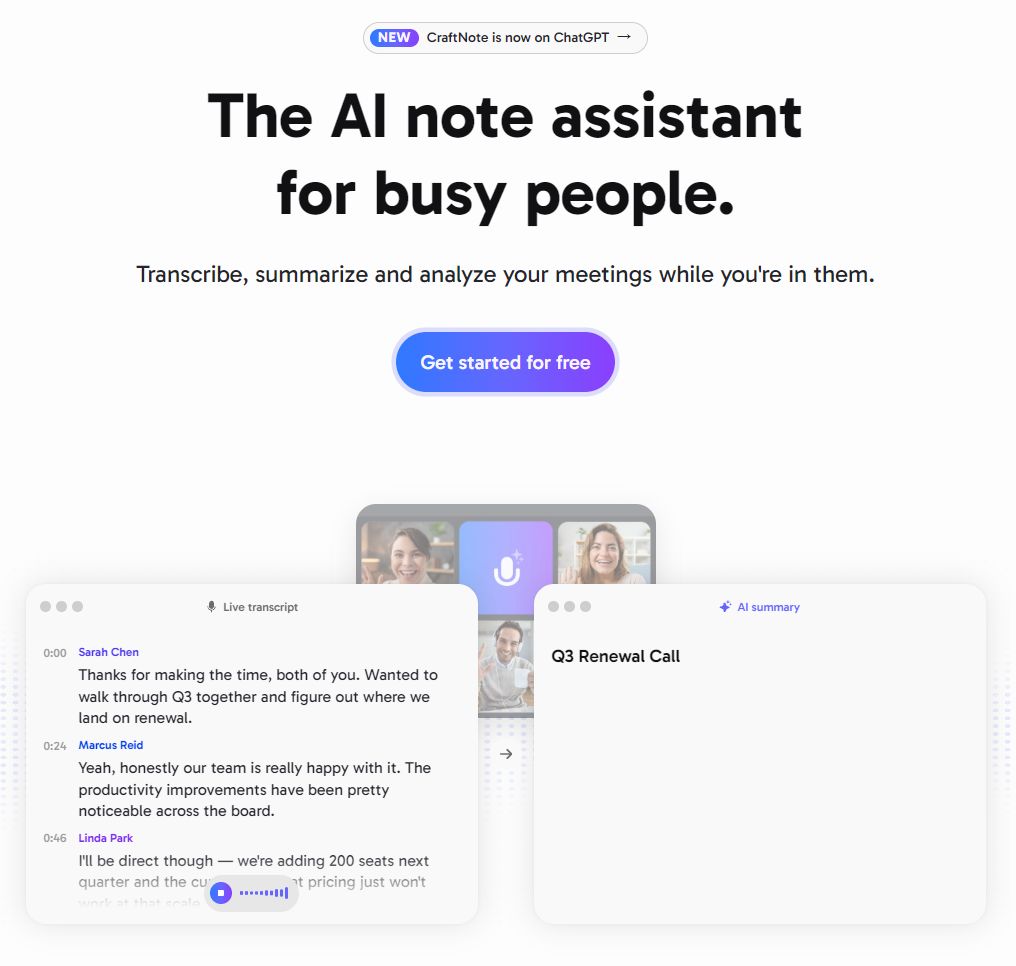
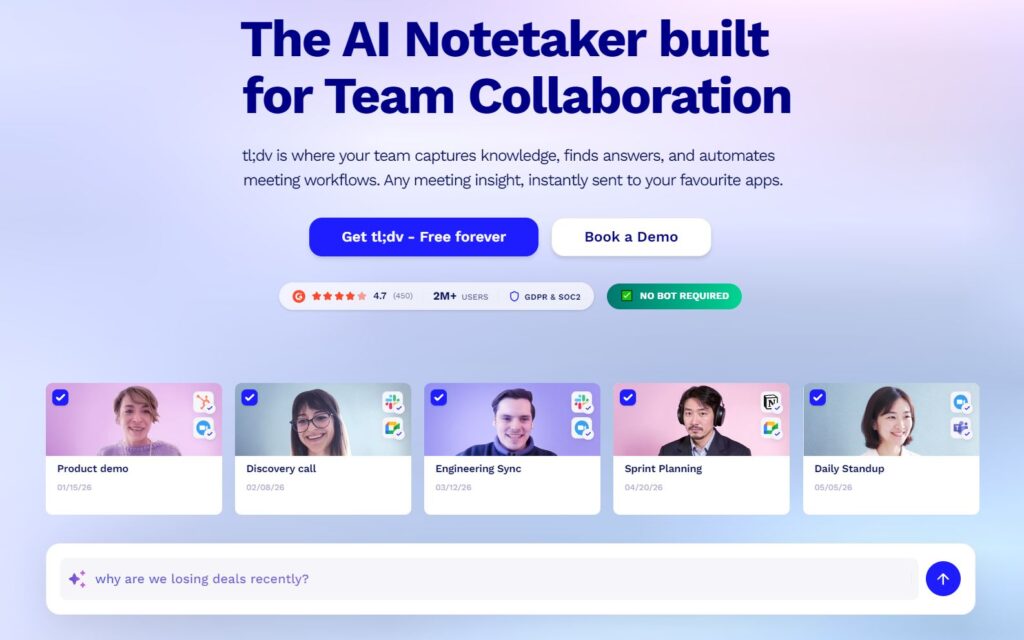
5.tl;dv — Best for Video-Centric Knowledge Management
tl;dv (short for “too long; didn’t view”) takes a completely different angle: it treats your meeting recordings as a searchable video library.
What makes it stand out:
· Create shareable “Reels” — highlight clips from meetings you can share like short videos
· Search through ALL past meeting recordings using keywords
· Timestamp-based navigation so you can jump directly to the moment that matters
· Multilingual support for global teams
Best for: Product teams, UX researchers, remote teams that rely heavily on async video
Unlike some competitors, tl;dv is especially valued by developers for how it makes past demo and planning details easy to rediscover through searchable recordings.
6. Ayanza — Best for Closing the Loop Between Meetings and Tasks
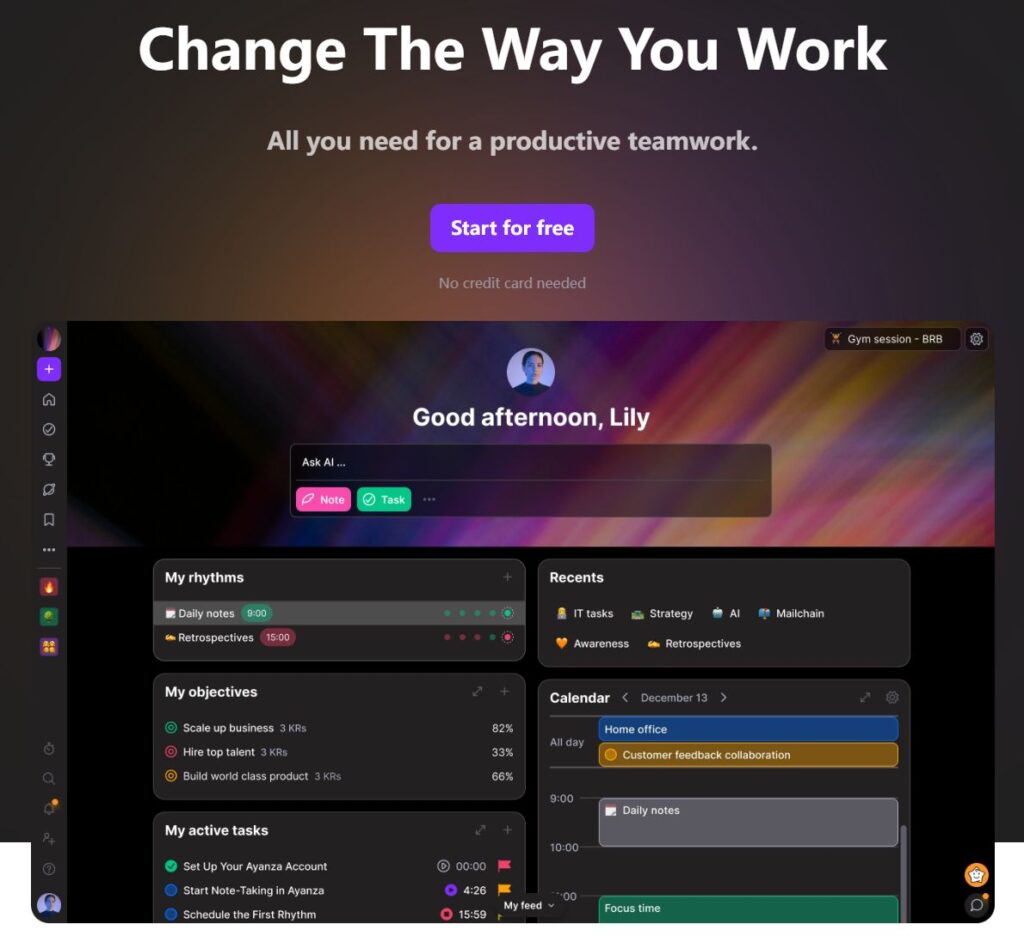
Ever had a great meeting, generated a list of action items… and then watched them disappear into the void? Ayanza solves exactly that.
What makes it stand out:
· Converts meeting notes directly into tasks and OKRs within the same platform
· Tracks task progress so you can see what was discussed vs. what was actually done
· Deep integration between meeting summaries and project management workflows
· Ideal for teams running OKR-based goal systems
Best for: Product managers, startup teams, operations leads, agile teams
7. Read AI — Best for Regulated Industries
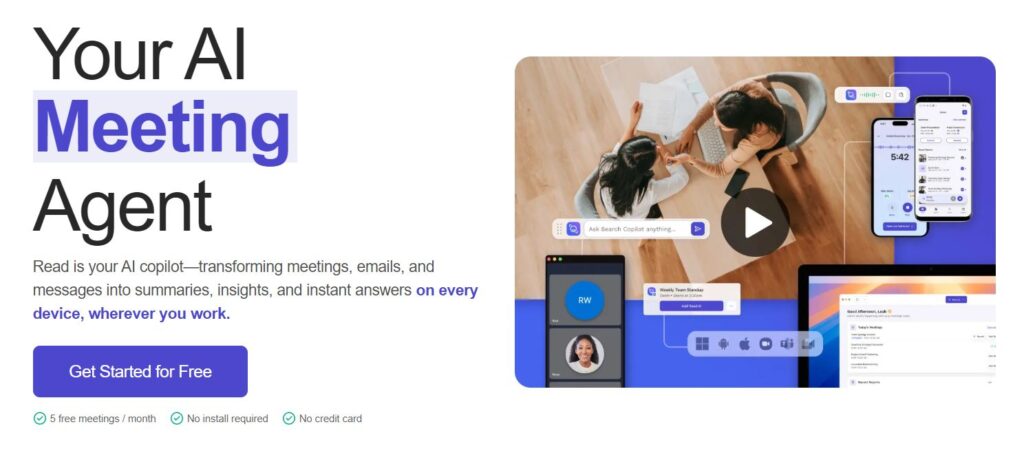
Read AI is the enterprise-grade choice for organizations where data compliance isn’t optional.
What makes it stand out:
· Full SOC2, GDPR, and HIPAA compliance — rare in this category
· Provides meeting engagement scores, speaker metrics, and sentiment analysis
· Works across Zoom, Teams, Google Meet, and even phone calls
· Custom retention policies and data access controls
Best for: Healthcare, legal, finance, government contractors, any compliance-heavy team
When top-level security and compliance are crucial, Read AI stands apart by offering full HIPAA suitability—something not all AI meeting assistants can guarantee.
8. Granola — Best for Human-AI Hybrid Note-Taking
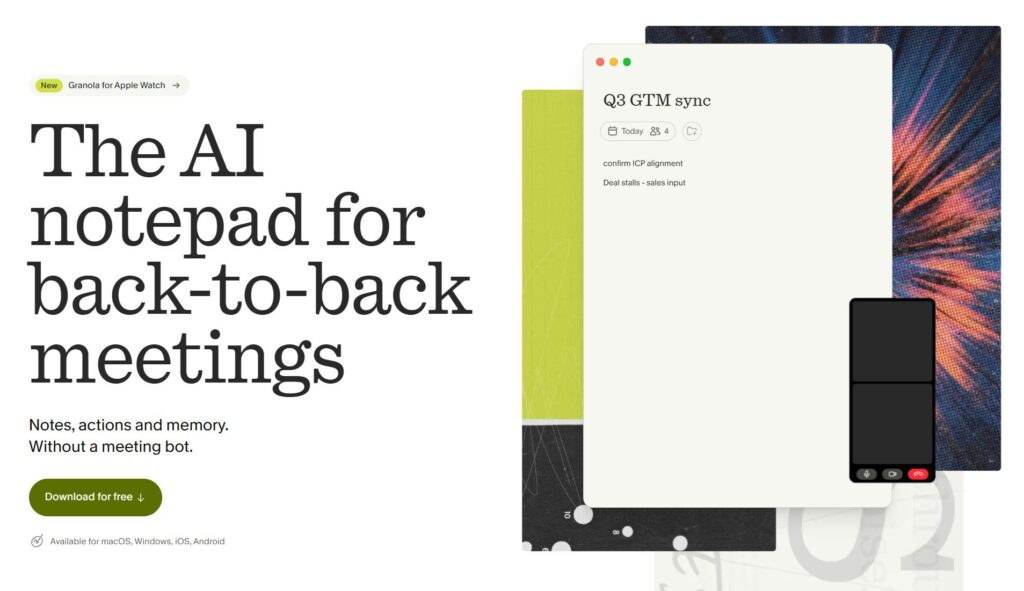
Granola takes a beautifully simple philosophical stance: AI is better with humans, not instead of them.
What makes it stand out:
· You jot down your own quick notes during the meeting
· Granola’s AI combines your human context with its automatic transcription to create richer, more personalized summaries
· The output feels like you wrote it — not a robot
· Perfect for people who don’t fully trust pure-AI summaries yet
Best for: Knowledge workers, executives, and anyone who values nuance in meeting notes
Quick Comparison Table
| Tool | Best For | Bot-Free | CRM Sync | Compliance |
| Fireflies.ai | Sales & analytics | ❌ | ✅ Salesforce/HubSpot | ❌ |
| Otter.ai | Team collaboration | ❌ | ✅ | ❌ |
| Hedy AI | Real-time coaching | ✅ | ✅ (10K+ apps) | ❌ |
| CraftNote | Privacy-first orgs | ✅ | ❌ | ❌ |
| tl;dv | Video search | ❌ | ✅ | ❌ |
| Ayanza | Task/OKR alignment | ❌ | ✅ | ❌ |
| Read AI | Enterprise compliance | ❌ | ✅ | ✅ SOC2/GDPR/HIPAA |
| Granola | Human-AI hybrid | ✅ | ❌ | ❌ |
How to Choose the Right AI Meeting Tool for You
Here’s a simple decision framework:
Ask yourself:
1. What’s your biggest pain point? Notes? Follow-ups? Privacy? Video search?
2. What’s your team size? Solo users have different needs than 500-person orgs.
3. What platforms do you use? Make sure the tool integrates with Zoom, Teams, or Google Meet. Now, pick the top two tools that fit your needs and sign up for free trials. Start using them in your next meetings and compare your experience. Don’t wait—your time, focus, and team productivity are at stake. Take the step today and transform how you meet.
4. Do you have compliance requirements? Healthcare, legal, and finance need SOC2/HIPAA tools.
5. Do you want a bot visible in your meetings? If not, go bot-free with CraftNote or Hedy.
6. What’s your budget? Most tools have generous free tiers — start there.
Pros & Cons of AI Meeting Assistants
✅ Pros
· Save 3–5 hours per week on documentation and follow-ups
· Perfect recall — never forget what was decided or who owns a task
· Better meeting focus — stop multitasking and actually listen
· Async-friendly — teammates in different time zones can catch up instantly
· Integration-ready — connects to your existing stack
❌ Cons
· Privacy concerns — some participants may be uncomfortable being recorded
· Accuracy isn’t perfect — heavy accents or technical jargon can trip up transcription
· Bot fatigue — visible AI bots in meetings can feel intrusive (hence the bot-free trend)
· Paid features gate the good stuff — free plans are great for testing, but teams need paid tiers
· Over-reliance risk — if the AI gets it wrong, you might not catch it
Future Outlook: Where Is This All Going?
The world of productivity AI tools for work is evolving fast. Here’s what to watch:
Autonomous AI Agents — Tools are moving beyond note-taking toward actual participation: AI agents that can answer questions, pull up data, and make decisions during the meeting on your behalf.
️Better Speech-to-Text — The next wave of speech-to-text AI tools will handle heavy accents, multiple speakers, and technical jargon with near-human accuracy.
Privacy by Default — Bot-free, on-device recording is becoming the expected baseline — not a premium feature.
Language-Agnostic Meetings — Real-time multilingual translation will make global collaboration seamless, even when participants speak different languages.
Meeting Intelligence Dashboards — Organizations will start analyzing meeting patterns at scale — not just individual calls — to optimize how teams collaborate.
FAQ
Q: Are AI meeting assistants legal to use?
Yes, in most jurisdictions — but you’re typically required to inform all participants that the meeting is being recorded. Most tools include automatic disclosure features.
Q: Can I use an AI meeting assistant without a bot joining my call?
Absolutely. Tools like CraftNote and Hedy AI use device-level capture, meaning no visible bot joins the meeting. This is increasingly the preferred approach.
Q: What’s the best free AI meeting assistant?
Otter.ai and tl;dv both have strong free plans. Otter.ai gives you 300 minutes of transcription per month for free. tl;dv offers unlimited recordings on its free tier for select platforms.
Q: Which AI meeting tool is HIPAA compliant?
Read AI is the most commonly recommended option for healthcare organizations, as it provides full compliance with SOC 2, GDPR, and HIPAA.
Q: Can AI meeting assistants work with in-person meetings?
Yes — many tools like Otter.ai and Granola work with your device’s microphone, so they can capture in-person conversations as well as video calls.
Q: Will AI replace human note-takers entirely?
Probably not entirely — and tools like Granola are built on the philosophy that human context + AI transcription = better results than either alone. But for routine meetings, AI is already doing the heavy lifting.
Q: Is my meeting data safe with these tools?
It depends on the tool. For maximum safety, choose tools with SOC2 or HIPAA certifications (Read AI), or go with bot-free, on-device tools (CraftNote) that minimize data exposure.
Q: What’s the best AI meeting assistant for developers?
tl;dv is particularly popular with dev teams for its searchable video library feature. Fireflies.ai is great for sprint retrospectives and planning calls with its powerful search.
AI meeting assistants aren’t just a productivity gimmick — they’re becoming a core piece of how modern teams operate. Whether you’re a solo developer who wants to stop taking notes, a sales team that needs CRM-synced conversation analytics, or an enterprise compliance team navigating HIPAA requirements, there’s a tool built exactly for you.
Our top picks:
· Start with Otter.ai if you’re a beginner — it’s intuitive and free to try
· Go with Fireflies.ai if you’re in sales or revenue operations
· Choose Read AI for enterprise compliance needs
· Try CraftNote or Hedy AI if privacy is your primary concern
· Use Granola if you want to keep the human element in your notes
The best AI meeting assistant is the one you’ll actually use. Start with a free trial, see how it fits your workflow, and let the AI handle the notes while you focus on the conversation that actually matters.
Found this helpful? Share it with your team — because the best meeting you’ll ever have is the one where nobody’s scrambling to take notes.