
Repetitive work quietly steals entire afternoons.
Email drafts, meeting notes, research tabs, design edits, and data transfers create constant friction.
The right AI-powered productivity and workflow automation tools remove that friction without replacing human judgment.
These tools combine AI assistance, automation, and connected workflows to help users create content, analyze information, manage tasks, and move data between systems faster.
Instead, they handle predictable steps and preserve your attention for important decisions.
This guide compares 15 tools across writing, research, meetings, design, video, voice, and automation.
Some tools offer permanent free plans.
Others provide limited credits or temporary trials.
We reviewed official product pages, free access, learning curves, integrations, and upgrade value.
These 2026 AI productivity tool recommendations serve professionals, creators, entrepreneurs, and growing teams.
Many readers search for Free AI Tools That Save Time.
We use that phrase carefully because free access rarely means unlimited access.
Likewise, AI Tools That Save 10 Hours a Week describe a possible outcome, not a guarantee.
Your results depend on task volume, setup quality, review needs, and team adoption.
| The quick answer: Start with one repeated task, not a large software stack. Use free access to validate the workflow. Upgrade only after you confirm measurable value. |
Quick picks by use case
| Use case | Top pick |
| Best overall assistant | ChatGPT |
| Best source-linked research | Perplexity |
| Best connected workspace | Notion AI |
| Best design workflow | Canva AI |
| Best simple automation | Zapier |
| Best visual automation | Make |
| Best writing polish | Grammarly |
| Best meeting notes | Otter |
| Best business video | Synthesia |
| Best AI voice | ElevenLabs |
| Best long-document analysis | Claude |
| Best source-grounded research | Gemini Notebook |
| Best technical automation | n8n |
| Best fast presentations | Gamma |
| Best automatic scheduling | Motion |
How we evaluated these tools
Task fit: The tool must solve a frequent and expensive workflow problem.
Usable access: Free plans or trials must let readers test a meaningful workflow.
Setup effort: The recommendation must reflect learning time and maintenance work.
Integration depth: Connected tools usually create more value than isolated features.
Upgrade logic: Paid plans should remove proven limits, not manufacture artificial urgency.
Transparency: We separate official facts, editorial judgments, and illustrative estimates.
Ranking does not equal universal quality.
It reflects common workflows for professionals, creators, entrepreneurs, and small teams.
Plan limits and product names can change quickly.
Recheck official pages before publishing exact pricing or usage numbers.
How AI tools save hours every week
Content creation
AI assistants create outlines, drafts, variations, summaries, and reusable templates.
They work fastest when teams define examples, constraints, and approval rules.
Research and knowledge
Research tools locate sources, compare claims, and summarize large information sets.
Source-grounded tools reduce tab switching and improve traceability.
Communication
Meeting assistants capture transcripts, decisions, action items, and follow-up drafts.
Writing tools improve clarity before messages reach customers or colleagues.
Workflow automation
Automation platforms connect apps, move data, trigger actions, and enforce repeatable steps.
Strong filters and approval stages keep automation safe.
Planning and production
Scheduling, design, video, and voice tools compress time-consuming production work.
Human review still protects accuracy, originality, consent, and brand quality.
Saving one hour on five recurring tasks can create five additional hours every week.
Automation works best with frequent, rule-based, and measurable work.
Human review remains essential for facts, privacy, brand voice, and customer impact.
Comparison table: free access and workflow fit
| Tool | Best use | Free access | Learning curve |
| ChatGPT | Drafting, analysis, brainstorming, file review, and reusable prompt workflows | Permanent Free plan with changing usage limits | Easy |
| Perplexity | Market research, competitor scans, learning, and source discovery | Free plan with Best mode and limited Pro Searches | Easy |
| Notion AI | Documentation, project knowledge, meeting notes, and internal search | Free workspace with limited complimentary AI responses | Easy to moderate |
| Canva AI | Social graphics, presentations, lead magnets, thumbnails, and simple videos | Free plan with selected AI tools and usage limits | Easy |
| Zapier | Lead routing, app connections, notifications, and simple business workflows | Free plan with 100 monthly tasks and two-step Zaps | Easy |
| Make | Complex workflows, data mapping, branching, and multi-app orchestration | No-time-limit Free plan for standard automation | Moderate |
| Grammarly | Emails, articles, proposals, sales messages, and business communication | Free plan with 100 generative AI prompts monthly | Easy |
| Otter | Transcription, summaries, action items, and searchable meeting records | Basic plan with 300 transcription minutes monthly | Easy |
| Synthesia | Training, onboarding, product explainers, localization, and internal communications | Free plan with 10 video minutes monthly | Easy to moderate |
| ElevenLabs | Voiceovers, dubbing, podcasts, sound effects, and conversational voice applications | Free plan with 10,000 monthly credits | Easy to moderate |
| Claude | Long-form analysis, structured writing, coding, research, and document review | Permanent Free plan with limited usage | Easy |
| Gemini Notebook | Source synthesis, study, research notes, audio overviews, and evidence-based drafting | Free standard access with daily and notebook limits | Easy |
| n8n | Self-hosting, code steps, API workflows, privacy control, and advanced automation | Free self-hosted Community Edition; cloud trials available | Advanced |
| Gamma | Pitch decks, reports, teaching materials, webpages, and fast visual storytelling | Free plan with 400 signup credits | Easy |
| Motion | Automatic scheduling, task planning, project coordination, and deadline management | Free trial only; no permanent Free plan | Easy to moderate |
Our shortlist of the Best AI Tools for Productivity favors workflow fit over novelty.
The strongest AI Workflow Automation Tools connect useful outputs with reliable actions.
The 15 best AI workflow tools for 2026
1. ChatGPT — Best overall AI assistant
Official product page: ChatGPT
Best for: Drafting, analysis, brainstorming, file review, and reusable prompt workflows.
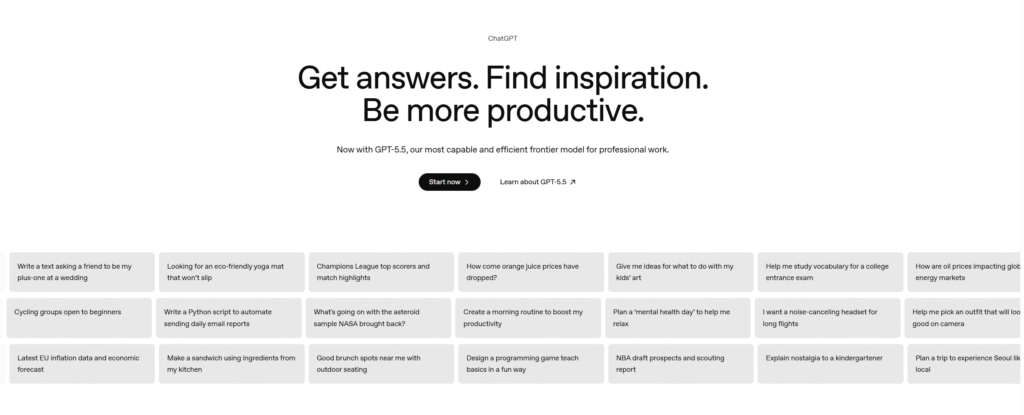
ChatGPT combines drafting, summarizing, analysis, brainstorming, image creation, and file review in one workspace.
It works best when you provide context, examples, constraints, and a clear output format.
Create reusable prompts for emails, briefs, research plans, customer replies, and spreadsheet explanations.
Free access: OpenAI offers a Free plan with changing usage limits.
Upgrade when larger files, heavier usage, or broader tool access affects daily work.
Scenario estimate: Five recurring drafts can reclaim one to three weekly hours.
This estimate assumes stable inputs and a proven prompt template.
Watch-out: Verify facts, protect sensitive data, and review every external claim.
CTA angle: Sell workflow volume and convenience, not vague intelligence claims.
Practical next step: Explore ChatGPT and test one repeatable workflow.
2. Perplexity — Best source-linked AI research
Official product page: Perplexity
Best for: Market research, competitor scans, learning, and source discovery.
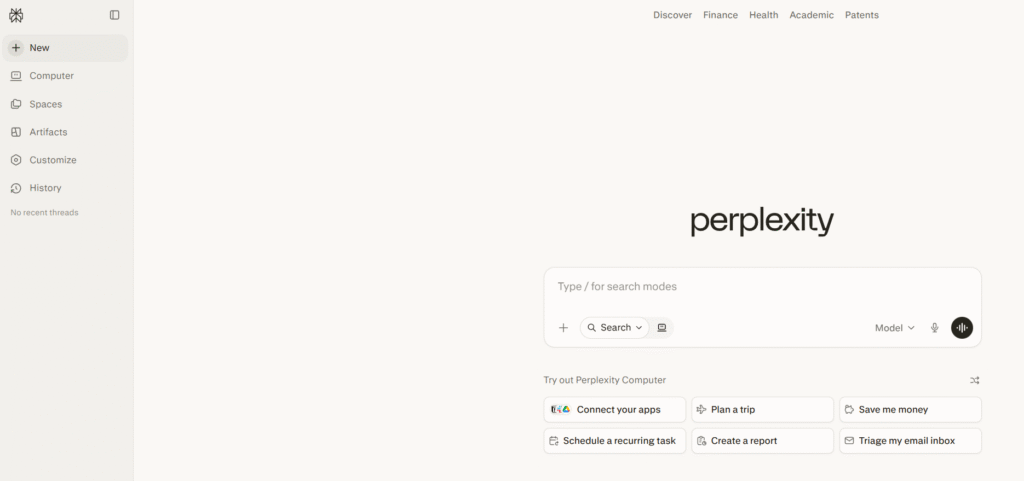
Perplexity gives source-linked answers and reduces tab switching during early research.
Use it for competitor scans, market questions, definitions, and fast source discovery.
Free access: The Free plan includes Best mode and limited Pro Searches.
Paid plans add broader model access, uploads, and higher research limits.
Scenario estimate: A weekly market scan can reclaim one or two hours.
This estimate assumes a defined question list and careful source review.
Watch-out: Open important sources and verify dates, context, and original claims.
CTA angle: Emphasize faster discovery, not perfect accuracy.
Practical next step: Explore Perplexity and test one repeatable workflow.
3. Notion AI — Best AI workspace for teams
Official product page: Notion AI
Best for: Documentation, project knowledge, meeting notes, and internal search.
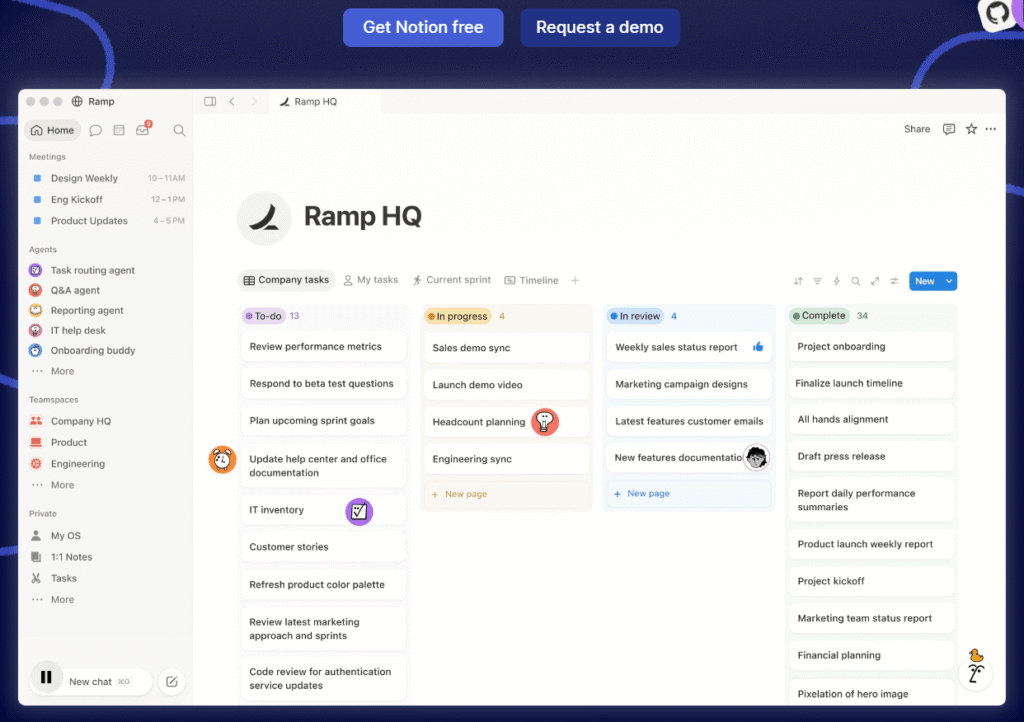
Notion AI works inside documents, projects, knowledge bases, and meeting notes.
It helps teams summarize updates, find internal answers, and turn notes into actions.
Free access: Notion offers a Free workspace and limited complimentary AI responses.
Full Notion AI access currently targets Business and Enterprise plans.
Scenario estimate: Weekly reporting can reclaim one or two hours.
This estimate assumes teams already store current information inside Notion.
Watch-out: Workspace quality depends on organized, current, and permission-safe content.
CTA angle: Promote consolidation when buyers already live inside Notion.
Practical next step: Explore Notion AI and test one repeatable workflow.
4. Canva AI — Best AI design suite
Official product page: Canva AI
Best for: Social graphics, presentations, lead magnets, thumbnails, and simple videos.
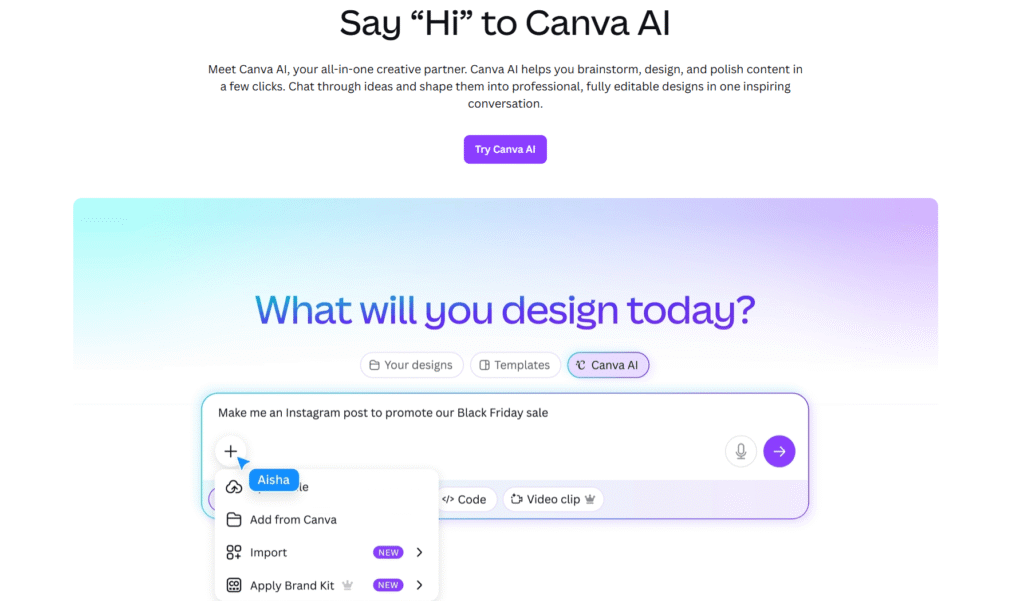
Canva AI combines design templates, writing support, image tools, and presentation creation.
Marketers can produce social graphics, lead magnets, thumbnails, and simple videos faster.
Free access: Canva includes selected AI tools with usage limits.
Paid plans increase allowances and unlock advanced brand features.
Scenario estimate: A recurring campaign pack can reclaim two or three hours.
This estimate assumes approved templates and a prepared brand kit.
Watch-out: Templates need brand editing, originality, and licensing checks.
CTA angle: Show one before-and-after workflow with consistent brand assets.
Practical next step: Explore Canva AI and test one repeatable workflow.
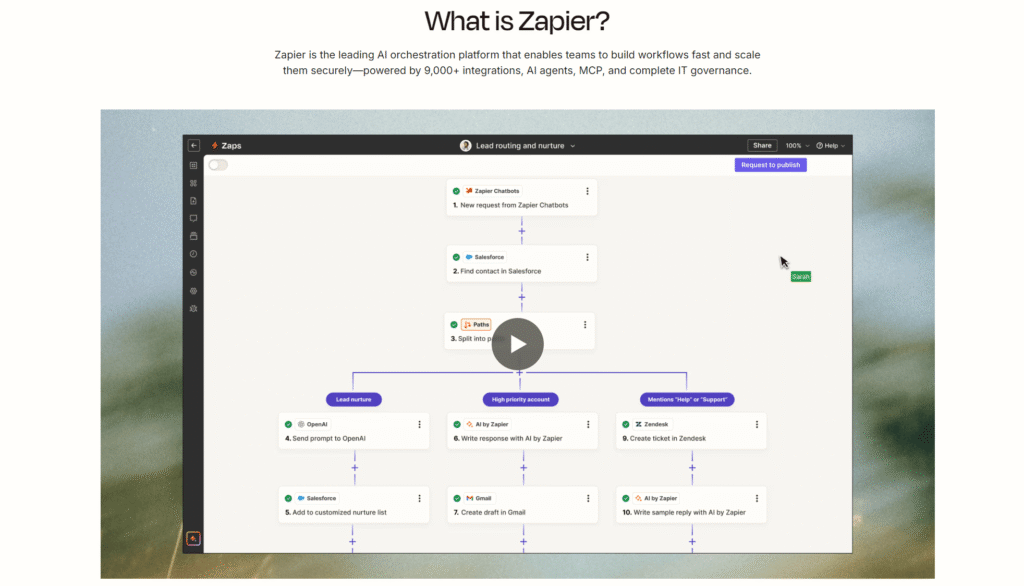
5. Zapier — Best beginner-friendly automation
Official product page: Zapier
Best for: Lead routing, app connections, notifications, and simple business workflows.
Zapier connects forms, email, spreadsheets, CRMs, support tools, and thousands of apps.
Users can trigger actions without writing traditional code.
Free access: Free plans typically include limited monthly tasks and basic automation.
Zapier also includes Tables, Forms, and Copilot on the Free plan.
Upgrade when multi-step workflows or higher task volume become essential.
Scenario estimate: Lead routing can reclaim two to five weekly hours.
This estimate assumes frequent inquiries and consistent routing rules.
Watch-out: Poor filters can duplicate records or trigger unwanted messages.
CTA angle: Demonstrate one revenue-linked automation with clear safeguards.
Practical next step: Explore Zapier and test one repeatable workflow.
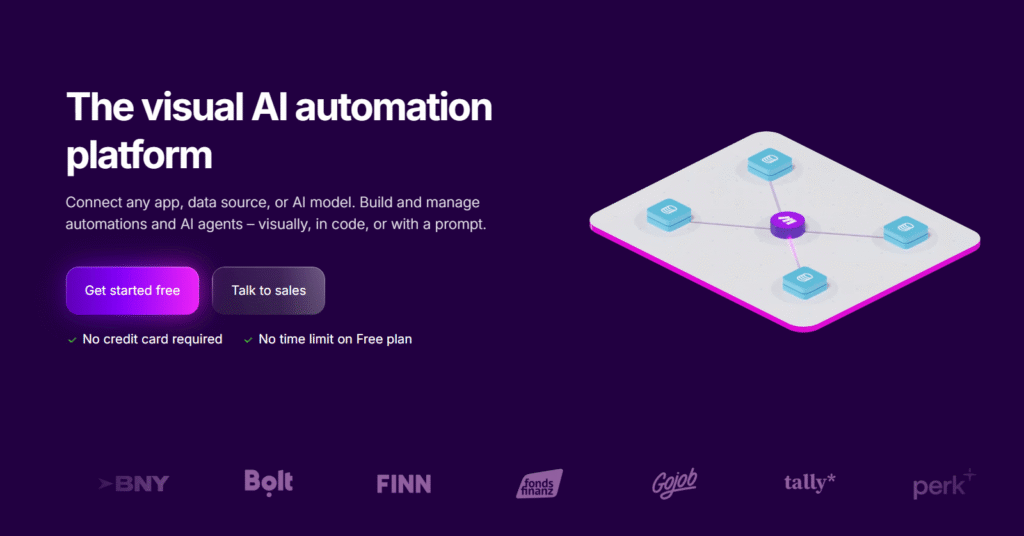
6. Make — Best visual automation platform
Official product page: Make
Best for: Complex workflows, data mapping, branching, and multi-app orchestration.
Make presents workflows as visual scenarios with branching, filters, routers, and detailed data mapping.
It suits buyers who need more control than basic trigger-action automation.
Free access: Make offers a no-time-limit Free plan for standard automation.
Advanced AI Agents currently require paid access.
Scenario estimate: Complex data routing can reclaim three to six weekly hours.
This estimate assumes a stable process and careful testing.
Watch-out: Visual flexibility creates more setup and maintenance work.
CTA angle: Compare visual control against simpler automation platforms.
Practical next step: Explore Make and test one repeatable workflow.
7. Grammarly — Best AI writing polish
Official product page: Grammarly
Best for: Emails, articles, proposals, sales messages, and business communication.
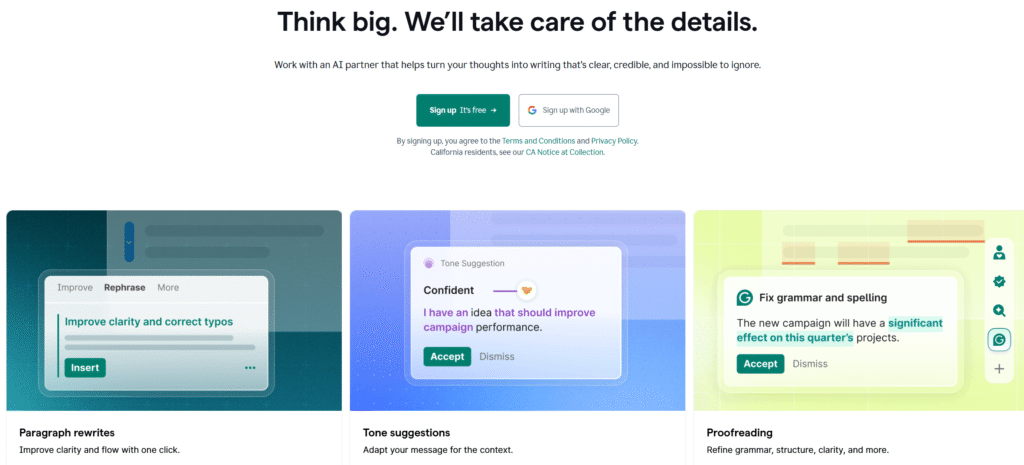
Grammarly improves grammar, clarity, tone, and drafting across common writing surfaces.
It works well for email-heavy roles, marketers, sales teams, and non-native English writers.
Free access: The Free plan includes 100 generative AI prompts monthly.
Paid access expands rewriting, tone controls, brand support, and prompt allowances.
Scenario estimate: Daily editing can reclaim thirty to ninety weekly minutes.
This estimate assumes frequent messages and consistent style requirements.
Watch-out: Accepting every suggestion can flatten voice or change meaning.
CTA angle: Focus on confidence and editing speed, not flawless writing.
Practical next step: Explore Grammarly and test one repeatable workflow.
8. Otter — Best AI meeting assistant
Official product page: Otter
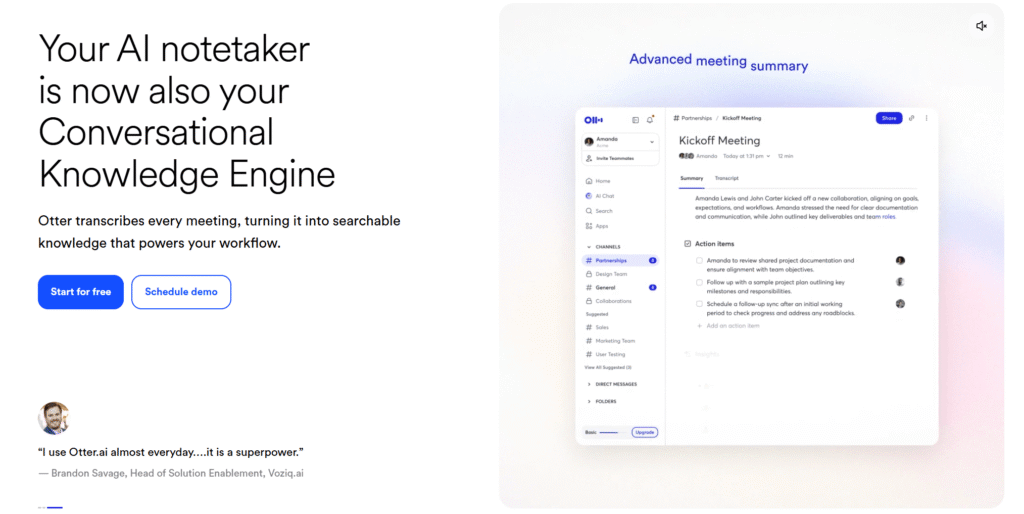
Best for: Transcription, summaries, action items, and searchable meeting records.
Otter records, transcribes, summarizes, and extracts action items from meetings.
It can join Zoom, Microsoft Teams, and Google Meet sessions.
Free access: The Basic plan includes 300 transcription minutes monthly.
Paid plans raise limits and add stronger workflows, storage, and integrations.
Scenario estimate: Three weekly meetings can reclaim one to three hours.
This estimate assumes structured meetings and reliable speaker audio.
Watch-out: Obtain recording consent and review names, numbers, and commitments.
CTA angle: Target managers, sales teams, recruiters, and customer success teams.
Practical next step: Explore Otter and test one repeatable workflow.
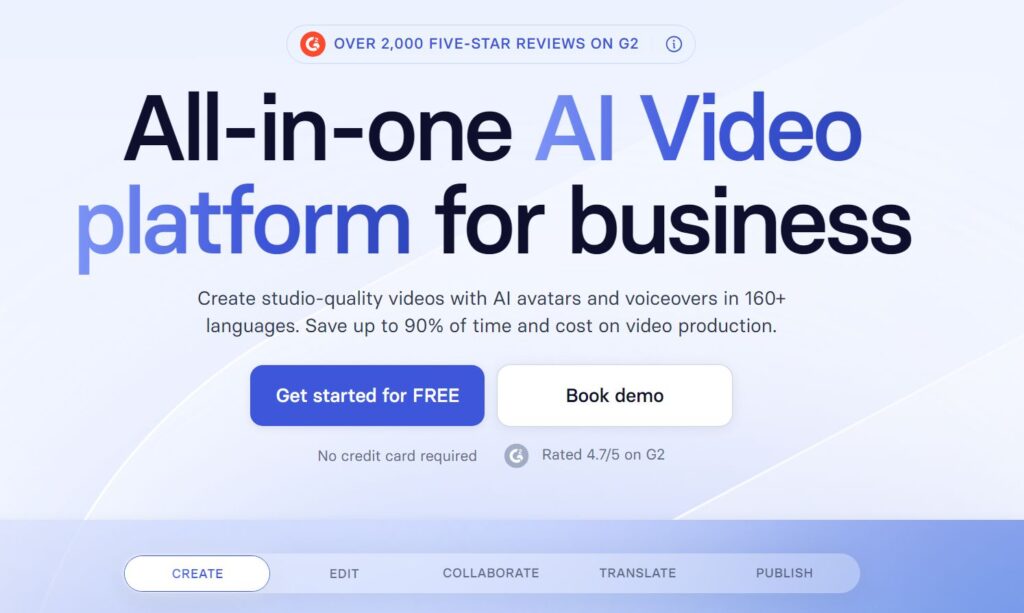
9. Synthesia — Best AI video platform for business
Official product page: Synthesia
Best for: Training, onboarding, product explainers, localization, and internal communications.
Synthesia turns prompts, scripts, documents, or links into presenter-led business videos.
Teams use it for training, onboarding, product explainers, and multilingual communications.
Free access: Free access includes limited video creation credits.
It also includes stock avatars and voices across many languages.
Free exports may include platform branding or other limitations.
Scenario estimate: One simple training video can reclaim several production hours.
Watch-out: Disclose synthetic presenters when context requires transparency.
CTA angle: Compare production speed against cameras, studios, and repeated localization.
Practical next step: Explore Synthesia and test one repeatable workflow.
10. ElevenLabs — Best AI voice platform
Official product page: ElevenLabs
Best for: Voiceovers, dubbing, podcasts, sound effects, and conversational voice applications.
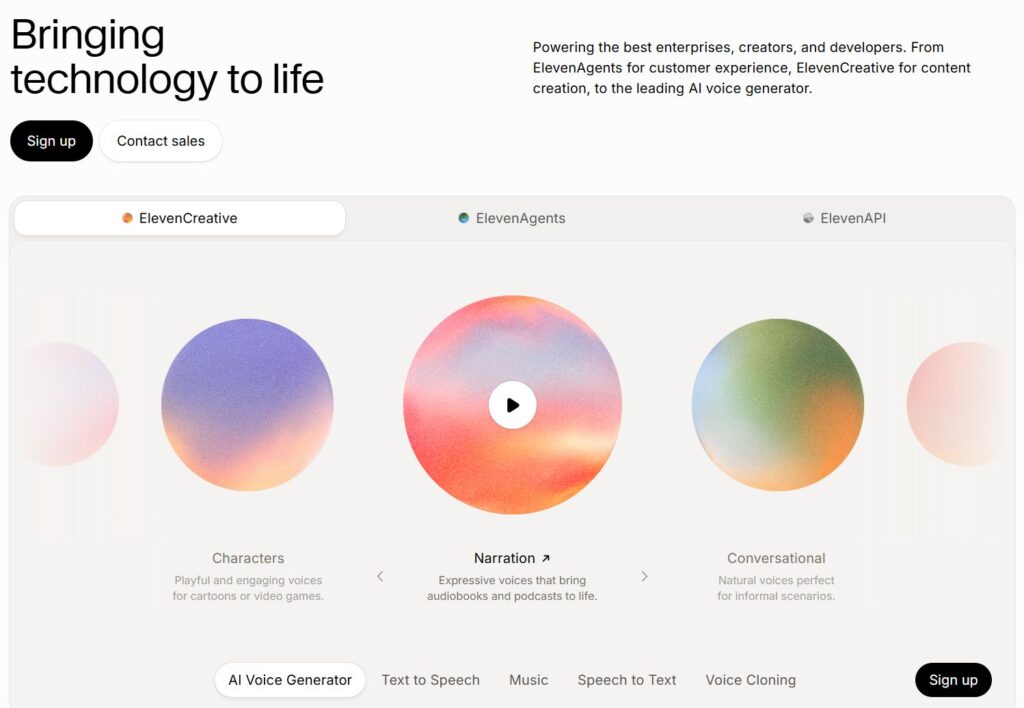
ElevenLabs creates speech, dubbing, sound effects, and conversational voice applications.
Creators can test narration styles before recording expensive human sessions.
Free access: The Free plan includes 10,000 monthly credits.
Paid tiers add more credits, features, and business capacity.
Scenario estimate: A short weekly voiceover can reclaim one or two hours.
This estimate assumes approved scripts and limited revision cycles.
Watch-out: Obtain consent for cloned voices and check current commercial rights.
CTA angle: Serve podcasters, video teams, educators, and localization workflows.
Practical next step: Explore ElevenLabs and test one repeatable workflow.
11. Claude — Best AI assistant for long documents
Official product page: Claude
Best for: Long-form analysis, structured writing, coding, research, and document review.
Claude handles long documents, writing, analysis, coding, and structured reasoning.
Anthropic made Claude Sonnet 5 available across all plans in June 2026.
Free access: The Free plan offers limited usage for occasional work.
Paid plans raise usage and add broader productivity features.
Scenario estimate: A long report review can reclaim one to three hours.
This estimate assumes clear questions and a well-structured source document.
Watch-out: Confirm citations, calculations, and policy-sensitive recommendations.
CTA angle: Position Claude for document-heavy work and coding support.
Practical next step: Explore Claude and test one repeatable workflow.
12. Gemini Notebook — Best source-grounded knowledge assistant
Official product page: Gemini Notebook
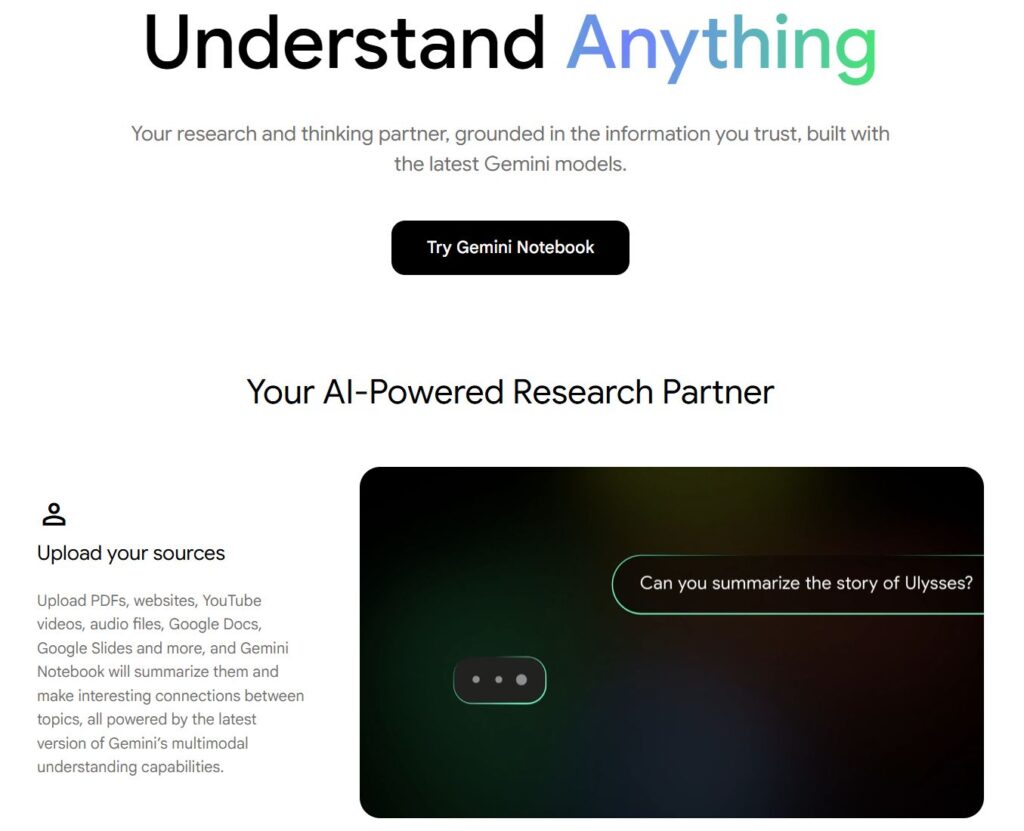
Best for: Source synthesis, study, research notes, audio overviews, and evidence-based drafting.
Google renamed NotebookLM to Gemini Notebook on July 16, 2026.
It grounds chats, summaries, audio, video, quizzes, and visual outputs in selected sources.
Free access: Standard limits include 100 notebooks and 50 sources per notebook.
Users also receive daily chat and audio generation limits.
Scenario estimate: A source pack can reclaim two or three research hours.
This estimate assumes reliable sources and a focused research question.
Watch-out: Source quality controls output quality, and generated overviews can contain errors.
CTA angle: Target researchers, students, analysts, and internal knowledge teams.
Practical next step: Explore Gemini Notebook and test one repeatable workflow.
13. n8n — Best technical workflow automation
Official product page: n8n
Best for: Self-hosting, code steps, API workflows, privacy control, and advanced automation.
n8n serves technical teams needing self-hosting, code steps, APIs, and deeper control.
Community Edition offers a free self-hosted version.
Cloud plans provide managed hosting and trial access.
Its execution-based pricing differs from many step-based competitors.
Scenario estimate: Mature workflows can reclaim three to eight weekly hours.
This estimate assumes strong technical ownership and high workflow volume.
Watch-out: Self-hosting adds security, updates, monitoring, and operational responsibility.
CTA angle: Target developers and privacy-conscious teams with complex requirements.
Practical next step: Explore n8n and test one repeatable workflow.

14. Gamma — Best AI presentation generator
Official product page: Gamma
Best for: Pitch decks, reports, teaching materials, webpages, and fast visual storytelling.
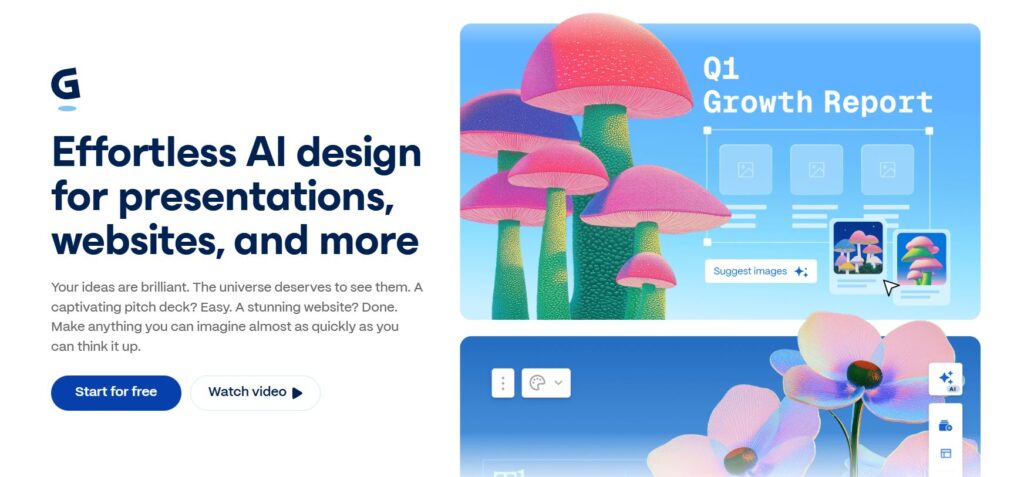
Gamma turns prompts and source material into presentations, documents, webpages, and social assets.
It removes much of the blank-page and layout work.
Free access: The Free plan provides 400 signup credits.
Free users can create up to ten slides per prompt.
The platform also supports common export formats.
Scenario estimate: A standard deck can reclaim one to three hours.
Watch-out: Review claims, layout logic, and visual consistency before presenting.
CTA angle: Target founders, consultants, educators, and sales teams.
Practical next step: Explore Gamma and test one repeatable workflow.
15. Motion — Best AI scheduling and planning
Official product page: Motion
Best for: Automatic scheduling, task planning, project coordination, and deadline management.
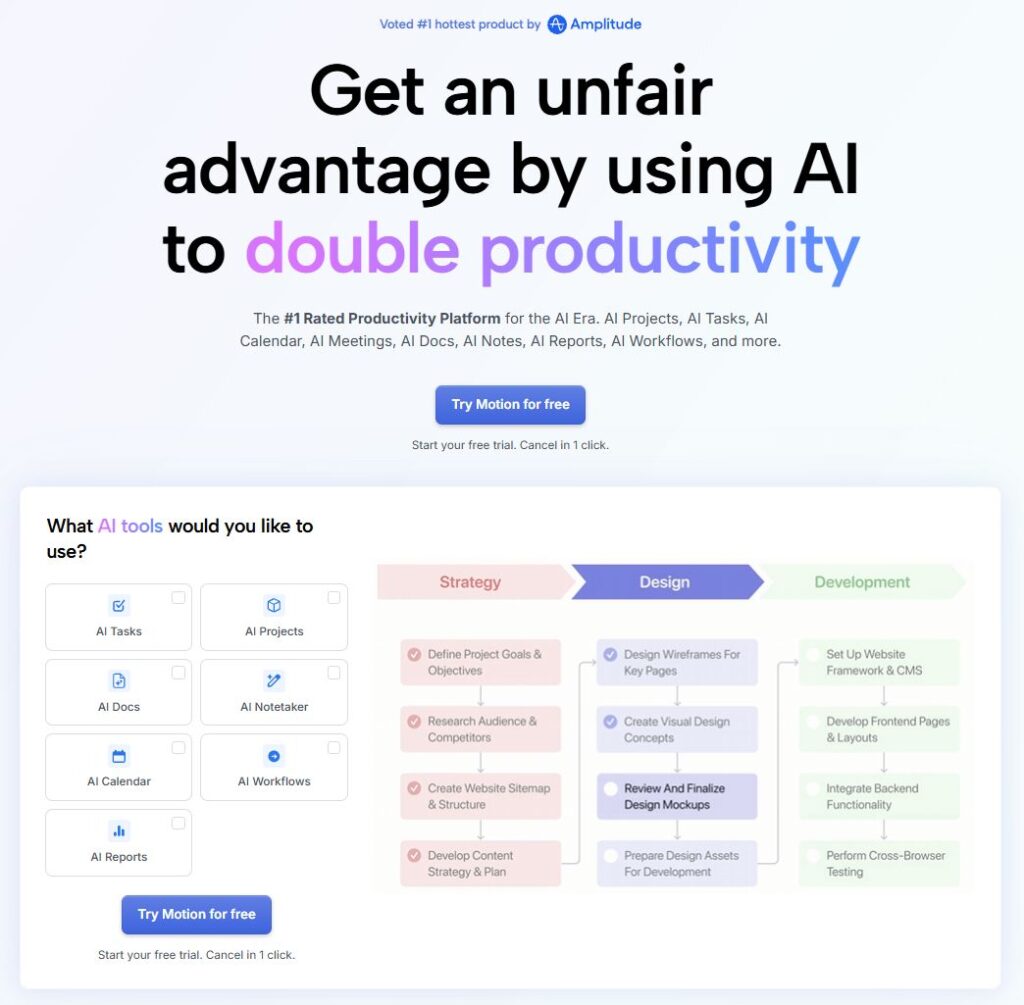
Motion combines AI projects, tasks, calendars, meetings, documents, and scheduling.
It automatically replans work when deadlines or meetings change.
Free access: Motion offers a free trial, not a permanent Free plan.
Current paid plans target individuals, professionals, and teams.
Scenario estimate: Weekly planning can reclaim one to four hours.
This estimate assumes realistic task durations and complete calendars.
Watch-out: Automatic schedules fail when task estimates remain inaccurate.
CTA angle: Target busy professionals with expensive planning friction.
Practical next step: Explore Motion and test one repeatable workflow.
Four workflow examples that save real time
Content creator workflow
Workflow: Perplexity → ChatGPT → Grammarly → Canva AI → Zapier
Perplexity discovers sources, while ChatGPT creates the first structured draft.
Grammarly polishes language, and Canva prepares visual assets.
Zapier can route approved content into publishing or review systems.
Illustrative result: A five-hour weekly process may fall near two hours.
That outcome requires templates, stable inputs, and careful review.
Small business lead workflow
Workflow: Form → Zapier or Make → AI draft → CRM → Follow-up
A form captures the inquiry and triggers an automation workflow.
An AI assistant drafts a response using approved business information.
The workflow updates the CRM and schedules a follow-up task.
Illustrative result: Fifty weekly inquiries can save several coordination hours.
Use human approval for pricing, contracts, complaints, and sensitive requests.
Meeting follow-up workflow
Workflow: Otter → Notion AI → Zapier → Task system
Otter records decisions and identifies action items.
Notion AI turns those notes into a structured project update.
Zapier creates tasks and sends assigned reminders.
Illustrative result: Three recurring meetings can save two weekly hours.
Consent and transcript review remain essential.
Training production workflow
Workflow: Gemini Notebook → Claude → Synthesia → ElevenLabs
Gemini Notebook organizes approved training sources.
Claude shapes the lesson and script.
Synthesia creates the video, while ElevenLabs supports voice alternatives.
Illustrative result: A simple module can avoid a traditional filming session.
Review every claim, visual, pronunciation, and disclosure before publishing.
Free AI tools versus paid plans
Free plans work best for validation, light usage, and personal workflows.
Paid plans usually add higher limits, advanced automation, governance, rights, or team controls.
Do not upgrade because a homepage creates urgency.
Upgrade when a tested workflow produces measurable value and hits a real limit.
| Situation | Use free access when | Upgrade when | |
| Testing a new workflow | Use a free plan or meaningful trial | Upgrade only after repeat use proves value | |
| Low monthly volume | Free limits may remain sufficient | Upgrade when caps interrupt proven work | |
| Complex automation | Free tiers may support prototypes | Paid plans add scale, steps, governance, or agents | |
| Team collaboration | Free plans often limit controls | Paid plans add roles, history, security, and support | |
| Commercial production | Check branding and usage rights | Paid plans may unlock rights, exports, and capacity | |
| Simple value testMonthly value = reclaimed hours × loaded hourly cost − subscription cost.Include setup, maintenance, review time, and error risk. | |||
How to choose the right AI productivity tool
- Define one repeated task before comparing platforms.
- Measure the current time, error rate, and handoff delays.
- Choose the smallest tool that can complete the full workflow.
- Confirm integrations, data policies, permissions, and commercial rights.
- Run a two-week pilot with a named owner.
- Compare time reclaimed against subscription and maintenance costs.
- Upgrade only when the workflow produces repeatable value.
These steps help buyers compare AI Tools for Entrepreneurs without chasing every launch.
They also reveal which AI Tools for Daily Tasks deserve a permanent place.
Final ranking by use case
| Need | Recommended tool |
| Best overall assistant | ChatGPT |
| Best source-linked research | Perplexity |
| Best connected workspace | Notion AI |
| Best design workflow | Canva AI |
| Best simple automation | Zapier |
| Best visual automation | Make |
| Best writing polish | Grammarly |
| Best meeting notes | Otter |
| Best business video | Synthesia |
| Best AI voice | ElevenLabs |
| Best long-document analysis | Claude |
| Best source-grounded research | Gemini Notebook |
| Best technical automation | n8n |
| Best fast presentations | Gamma |
| Best automatic scheduling | Motion |
Common mistakes that destroy ROI
- Buying software before defining the underlying process.
- Automating a broken process without removing unnecessary steps.
- Skipping human review for public, financial, legal, or sensitive outputs.
- Sending confidential data into tools without approved controls.
- Measuring output volume instead of time, quality, errors, or revenue impact.
- Publishing affiliate recommendations without a clear financial disclosure.
For buyers, Free AI Automation Tools should prove value before paid expansion.
For teams, AI Tools for Business Automation require ownership, controls, and monitoring.
Frequently asked questions
Are all 15 tools completely free?
No. Several tools offer permanent free plans. Others provide limited AI credits, self-hosted editions, or temporary trials.
Can AI tools really save 10 hours every week?
They can under the right conditions. High-volume, repetitive workflows create the largest opportunity. Results vary by setup and review needs.
Which tool should a beginner try first?
Start with ChatGPT for general work. Choose Zapier for simple automation, or Canva for design-heavy tasks.
Which platform works best for business automation?
Zapier suits simple workflows. Make adds visual control. n8n serves technical teams needing deeper customization or self-hosting.
What is the difference between an AI assistant and automation?
An assistant creates or analyzes content. Automation moves information and triggers actions across connected systems.
How should teams protect confidential information?
Use approved accounts, minimize sensitive inputs, review retention settings, restrict permissions, and follow company security policies.
Can AI-generated content rank on Google?
Google focuses on helpful, reliable, people-first content. Low-value scaled content can violate spam policies, regardless of production method.
Do affiliate disclosures matter?
Yes. Place a clear disclosure before commercial links. Explain that purchases may generate a commission without increasing the reader’s cost.
Start with one workflow today
The best AI tools for productivity do not begin with software.
They begin with a repeated problem, a measurable baseline, and a responsible owner.
Choose one bottleneck and build one repeatable workflow.
Track time, errors, output quality, and business impact.
Upgrade only when free limits block proven value.
This approach creates sustainable productivity and more trustworthy affiliate recommendations.
For operations teams, AI Tools for Business Automation can deliver the strongest return.
Several Free AI Automation Tools can validate those workflows before any purchase.
We also highlighted AI Tools for Entrepreneurs with limited time and small teams.
The most useful AI Tools for Daily Tasks remove predictable friction every day.
Every AI Software That Saves Time still requires judgment, review, and responsible data handling.
That standard separates useful recommendations from empty tool lists.
| Final recommendation Choose one repeated task this week. Measure the current process before automating it. Test one tool, review the output, and document the workflow. |