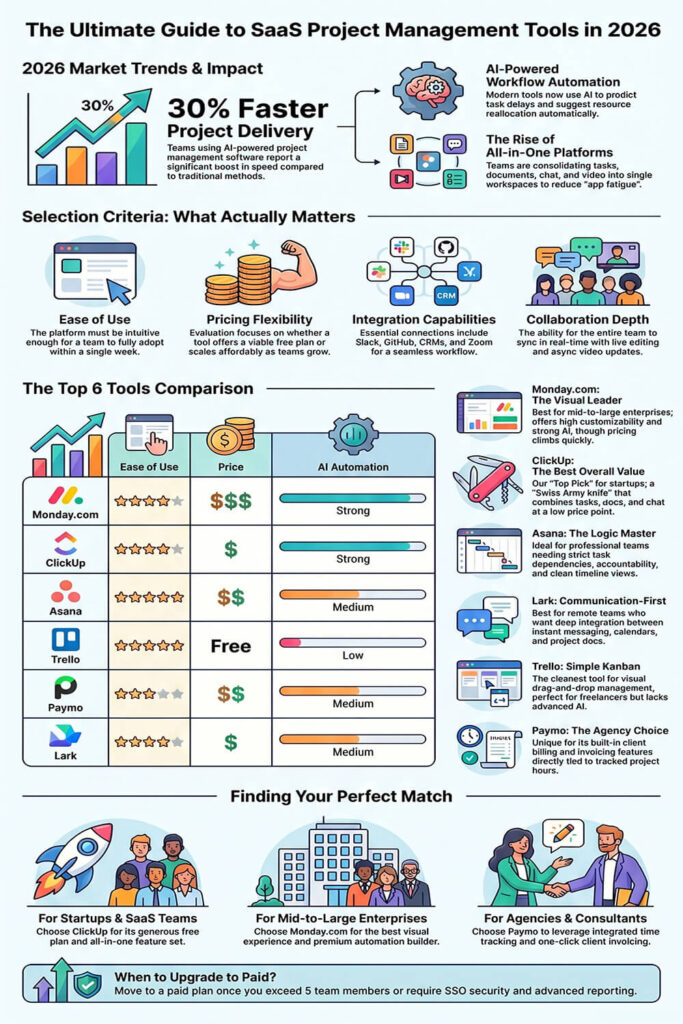
Managing projects with spreadsheets is over. AI-driven automation is now the new standard.
Remote teams need powerful cloud-based team collaboration tools. Startups and freelancers demand flexible, affordable options.
The best SaaS project management tools in 2026 do three things well. They save time. They reduce errors. They scale with your team.
Key Insight: Teams using AI-powered project management software report up to 30% faster project delivery.
In this guide, we compare the top-rated project management software. We cover Monday.com, ClickUp, Asana, Trello, Paymo, and Lark. You will find the best fit for your team, budget, and workflow.
How to Choose the Right Tool (What Actually Matters)
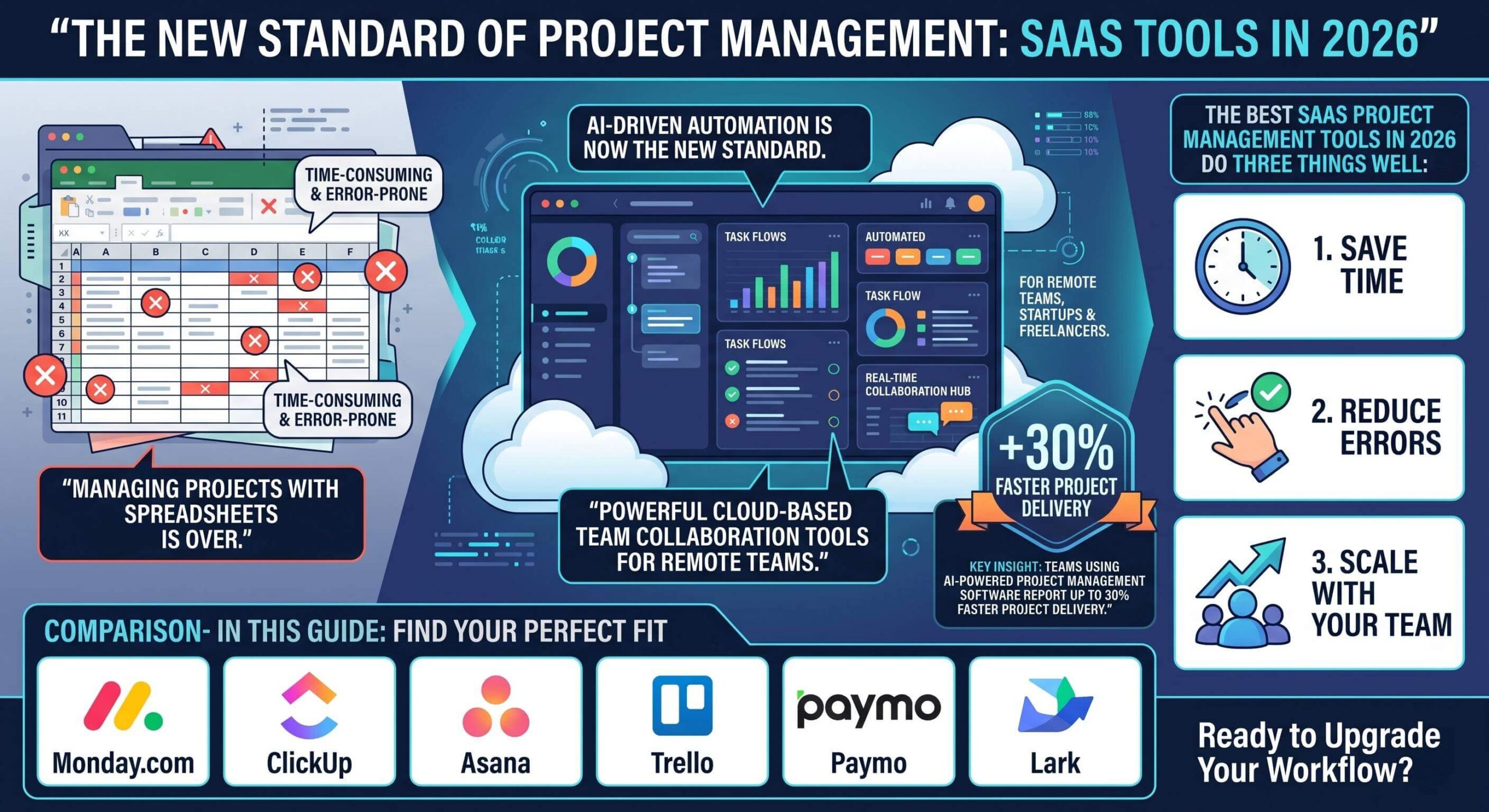
Not all project management tools are equal. Here are the four key criteria you should evaluate.
• Ease of Use: Can your team adopt it within a week?
• Pricing Flexibility: Does it offer a free plan or scale affordably?
• Integration Capabilities: Does it connect to Slack, GitHub, or your CRM?
• Collaboration Depth: Can your whole team work inside one platform?
For agile project management SaaS users, sprint tracking and backlog management matter too. Always check if the tool supports your development workflow.
2026 Trends: What Is Changing in Project Management Software
The market is shifting fast. Here are the best tools this year.
1. AI-Powered Workflow Automation
Top tools now use AI to predict task delays. They suggest resource reallocation automatically. This is a core feature in Monday.com and ClickUp.
2. All-in-One Platforms
Teams no longer want five different apps. The best workflow automation tools for SaaS teams combine tasks, docs, chat, and video in one place.
3. Real-Time Collaboration
Remote work demands instant syncing. Look for tools with live editing, comment threads, and async video updates.
4. Integration-First Design
The best cloud-based team collaboration tools connect seamlessly with your stack. Think Slack, Zoom, GitHub, and Salesforce.
In-Depth Comparison: The Top 6 Tools in 2026
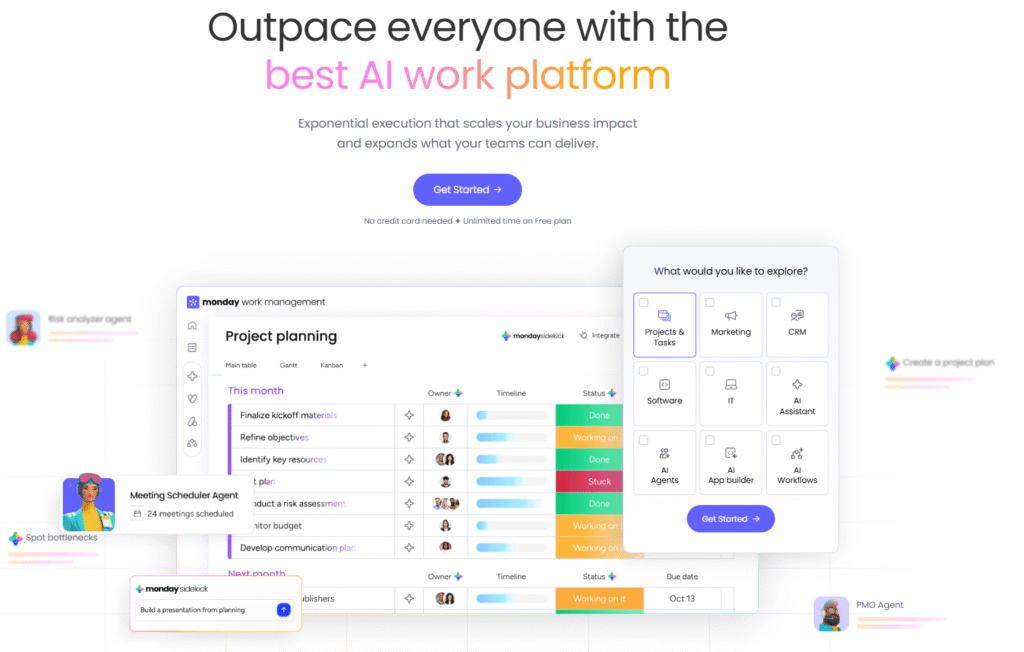
1. Monday.com — Best for Visual Workflows and Automation
Monday.com leads the market in visual project dashboards. Its low-code automation builder is powerful and intuitive.
Best for: Mid- to large-sized enterprises that want a polished, customizable platform.
Pros: Highly customizable boards, strong AI automation, excellent reporting.
Cons: Pricing climbs fast. Core automation is locked in higher-tier plans.
Bottom line: Monday.com is the best tool if UI matters and budget is not a concern.
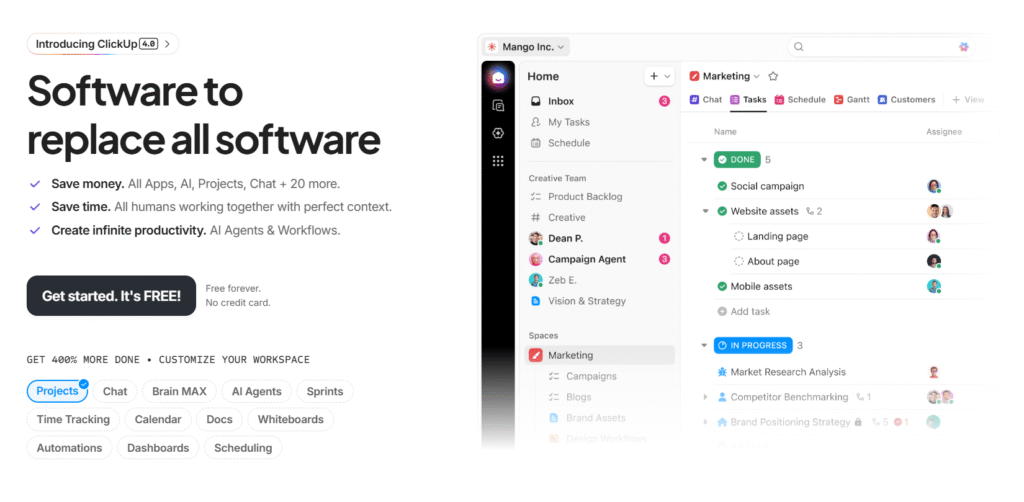
2. ClickUp — Best Value All-in-One Tool (Top Pick )
ClickUp is the Swiss Army knife of project management. It combines tasks, docs, whiteboards, and real-time chat into a single platform.
Best for: Startups, SaaS teams, and anyone looking for affordable project management for SMBs.
Pros: Generous free plan, low paid tiers, best feature-to-price ratio on the market.
Cons: Slight learning curve due to the sheer number of features.
Bottom line: If you want one tool that does everything, start with ClickUp. It’s our top pick.
3. Asana — Best for Workflow Management and Task Logic
Asana excels at complex task dependencies. It handles cross-departmental project tracking with precision.
Best for: Professional project teams that need strict accountability and deadline management.
Pros: Clean interface, excellent task dependency logic, strong timeline view.
Cons: Advanced features require paid plans. Limited native chat features.
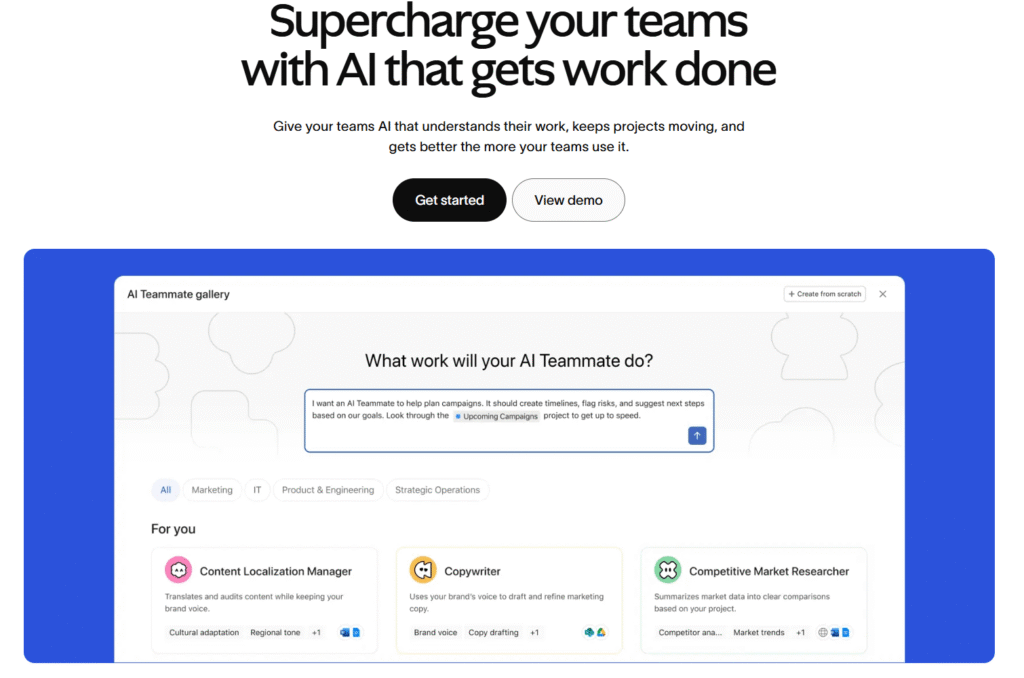
4. Lark — Best for Communication-First Remote Teams
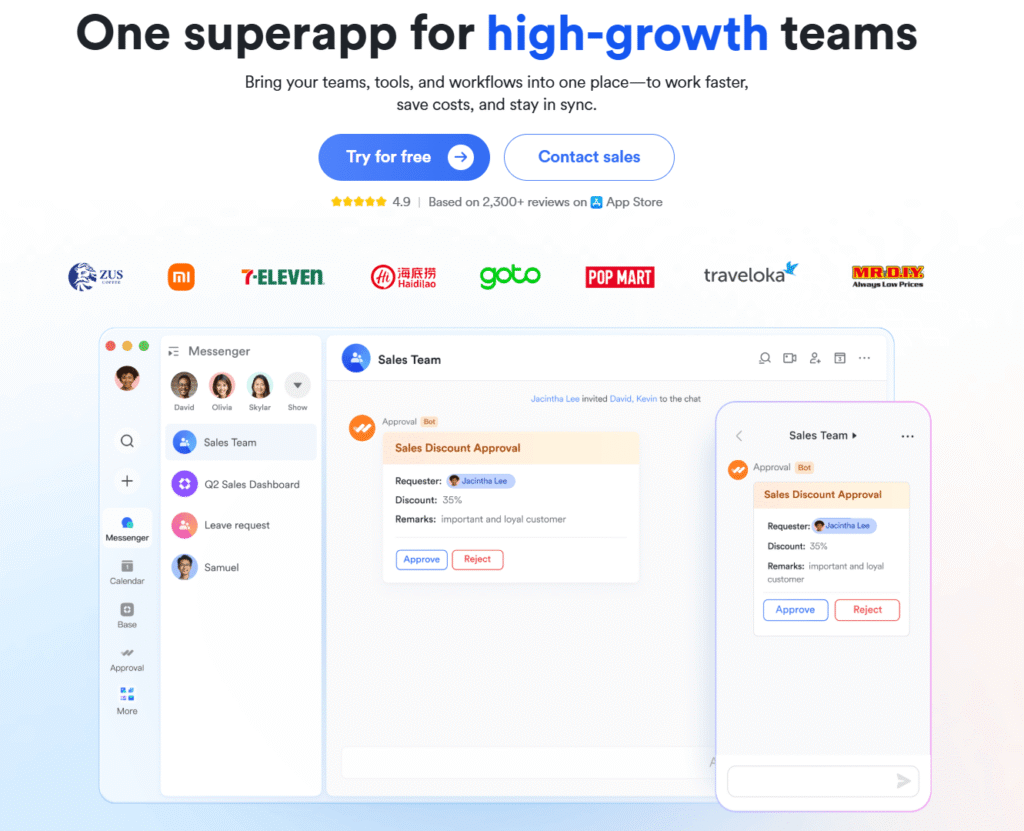
Lark (LarkSuite) deeply integrates instant messaging, calendars, and project docs into a single workspace.
Best for: Remote teams that prioritize fast communication alongside task management.
Pros: Deep chat integration, solid calendar management, excellent for async work.
Cons: Integration depth with Western tools like Salesforce is still growing.
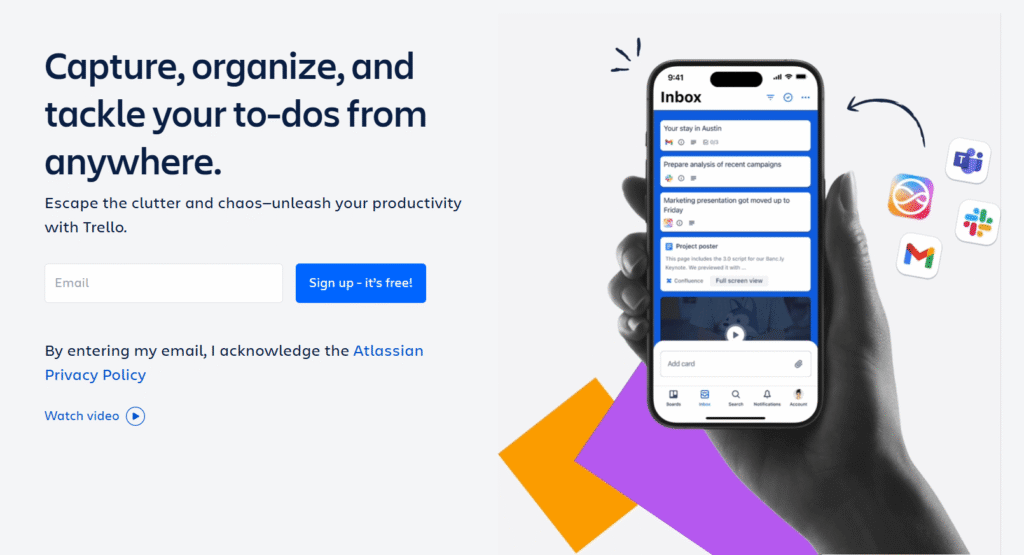
5. Trello — Best Simple Kanban Tool
Trello is the cleanest kanban board tool on the market. It’s perfect for visual, drag-and-drop task management.
Best for: Freelancers, solopreneurs, and small teams with simple workflows.
Note: Trello lacks native AI features. Teams with complex workflows will quickly outgrow it.
6. Paymo — Best for Time Tracking and Client Billing
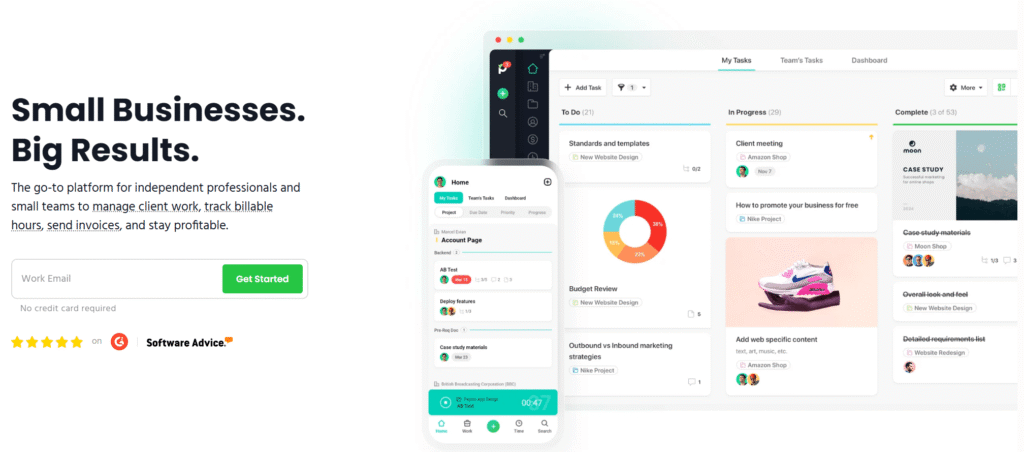
Paymo is the only major tool with built-in invoicing, project management and time tracking.
Best for: Agencies, consultants, and freelancers who bill clients by the hour.
Killer feature: Generate client invoices directly from tracked project hours. One click.
Quick Comparison Table: 2026 Top SaaS Project Management Tools
| Tool | Ease of Use | Price | AI Automation | Best For |
| Monday.com | ⭐⭐⭐⭐ | $$$ | Strong | Mid-to-large enterprises |
| ClickUp | ⭐⭐⭐⭐ | $ | Strong | Startups & SaaS teams |
| Asana | ⭐⭐⭐⭐⭐ | $$ | Medium | Professional project teams |
| Trello | ⭐⭐⭐⭐⭐ | Free | Low | Freelancers & individuals |
| Paymo | ⭐⭐⭐ | $$ | Medium | Agencies & consultants |
| Lark | ⭐⭐⭐⭐ | $ | Medium | Comms-first remote teams |
Best Tool by Use Case: Find Your Perfect Match
• Startups & SaaS teams → ClickUp (free plan + everything you need)
• Mid-to-large enterprises → Monday.com (best visual experience)
• Agile & professional project teams → Asana (workflow mastery)
• Remote teams → ClickUp or Lark (collaboration-first)
• Agencies & consultants → Paymo (time tracking + invoicing)
• Freelancers & solopreneurs → Trello (simple and free)
Free vs Paid: Which Option Is Right for You?
Most top-rated project management software offers a free tier. But free plans have real limits.
Choose a free plan if you:
• Are an early-stage startup or solo freelancer
• Manage fewer than 5 active projects at once
• Do not need advanced AI automation or reporting
Upgrade to a paid plan if you:
• Manage a team of 5 or more people
• Need workflow automation tools for SaaS processes
• Require client-facing dashboards, invoicing, or SSO security
Pro Tip: Start free with ClickUp. Upgrade when you hit your first automation limit. You will know exactly when you need more power.
Final Verdict: Our Top Recommendations
• Best Overall → ClickUp (best value, most features, great free plan)
• Best UI & Automation → Monday.com (premium experience)
• Best Workflow Logic → Asana (precision task management)
• Best for Agencies → Paymo (project management with time tracking built in)
• Best for Remote Communication → Lark (message-first collaboration)
FAQ: Your Questions Answered
Q1: What is the best free project management software for startups in 2026?
ClickUp offers the most generous free plan. It includes unlimited tasks, real-time collaboration, and 100 MB of storage. Trello is also free and great for simple workflows.
Q2: Which tool is best for remote team project management?
ClickUp and Lark are both excellent for remote teams. ClickUp centralizes all work. Lark adds deep messaging and calendar integration. Try both free tiers first.
Q3: Is Monday.com worth the price for small businesses?
Monday.com is powerful but pricey for small teams. If you have under 10 people, ClickUp delivers 90% of Monday’s features at a fraction of the cost.
Q4: What is the difference between agile project management SaaS and regular PM tools?
Agile tools support sprints, backlogs, and iterative delivery. Asana and ClickUp both offer agile views. Monday.com supports agile workflows through custom boards.
Q5: Can I use project management tools for client billing?
Yes. Paymo is built for this. It combines project tracking with a built-in timesheet and invoicing system. Ideal for agencies and hourly-rate consultants.
Q6: What integrations should I look for in a SaaS project management tool?
Prioritize: Slack or Teams, Google Workspace, GitHub or Jira, Zoom, and your CRM. ClickUp, Monday, and Asana all support 200+ integrations.
Ready to Upgrade Your Workflow?
The right project management tool saves hours every week. It reduces miscommunication. It helps your team deliver on time, every time.
Our top pick remains ClickUp for its unbeatable combination of features, affordability, and scalability.
“Enjoyed this guide? Pin it for later so you don’t lose it!”