
The productivity gap between students who use AI tools strategically and those who don’t grows every semester. This is not a list of AI hype; every tool below has been evaluated against three criteria: genuine learning value, a meaningful free tier, and a low barrier to entry. If you are looking for the most effective free AI tools for students to master in 2026, the following list will help you streamline your study workflow.
1. ChatGPT (OpenAI) – The Universal Reasoning Engine
Access: ChatGPT | Free tier: GPT-4o mini
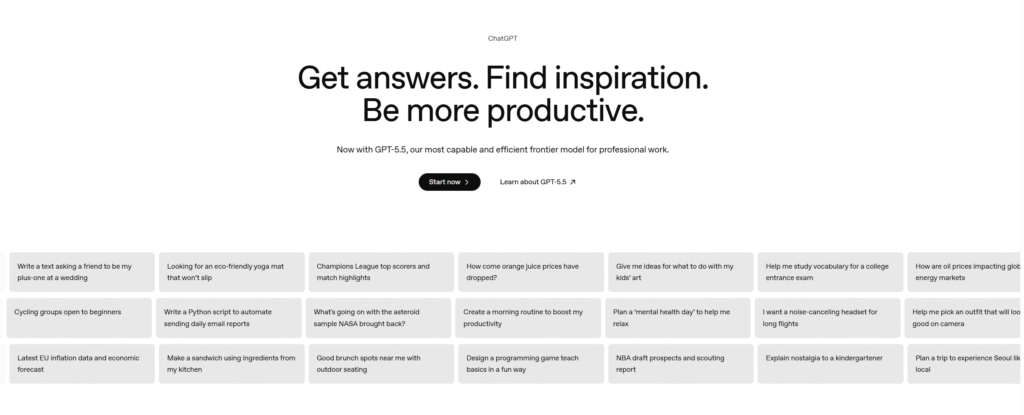
ChatGPT sets the stage for how AI can support learning beyond basic queries. Let’s explore how its strategic use enhances understanding before moving on to other tools for document management, project planning, and more.
Most students use ChatGPT as a glorified search engine. That leaves most of its value on the table. The real power is using it as an on-demand tutor, a Socratic debate partner, or a first-pass code reviewer. For example, ask it to explain the Jevons Paradox as if you’re a first-year economics student, then challenge it with three follow-up questions. This interaction pattern—learning, then being tested—is where AI truly accelerates understanding.
The hallucination problem is real and well-documented. Treat every factual claim, citation, or statistic it produces as a hypothesis to be verified, not a conclusion to be cited. The model is a reasoning aid, not an oracle.
Best for: Concept explanation | Essay drafts | Code debugging | Exam prep Q&A
Pro tip: Paste your own rough draft and ask: “Identify the three weakest arguments in this essay and suggest how to strengthen each.” Far more useful than asking it to write from scratch.
2. Google NotebookLM – Your Private Research Intelligence Layer
Access: Google NotebookLM | Free
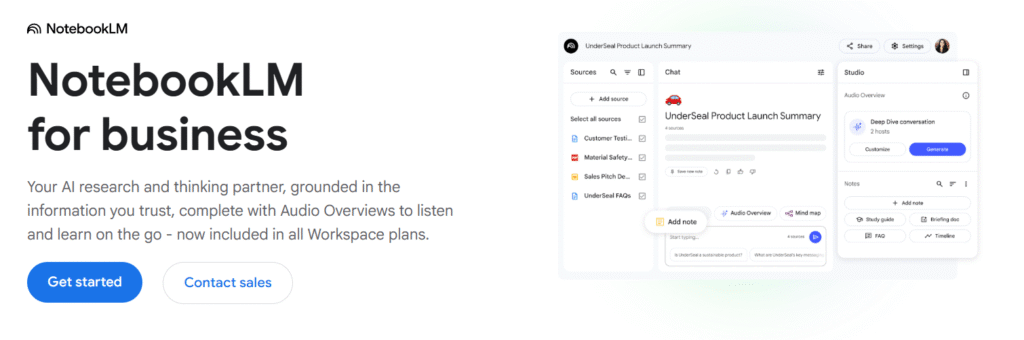
Moving from general-purpose reasoning to specialized document management, Google NotebookLM addresses a challenge every student faces: making sense of scattered resources.
NotebookLM solves a persistent academic problem: you have ten PDFs, a dozen notes, and a lecture transcript, but no coherent picture. Upload everything into a Notebook. You’ll get an AI that is constrained exclusively to your sources. Unlike general-purpose LLMs, it cannot fabricate citations. Its knowledge boundary is the documents you provided.
According to a recent study, AI-generated podcast-style summaries can be especially helpful for students who learn best through listening or need to review materials while on the move, offering valuable support in tasks such as literature reviews and dissertation research.
Best for: Literature review | Exam revision | Cross-source synthesis | Research Q&A
Pro tip: Upload your course syllabus, all required readings, and your own lecture notes as one Notebook. Then ask: “What topics appear in multiple sources and are therefore most likely to appear on the exam?”
3. Notion – The Intelligent Knowledge Operating System
Access: Notion | Free AI credits included
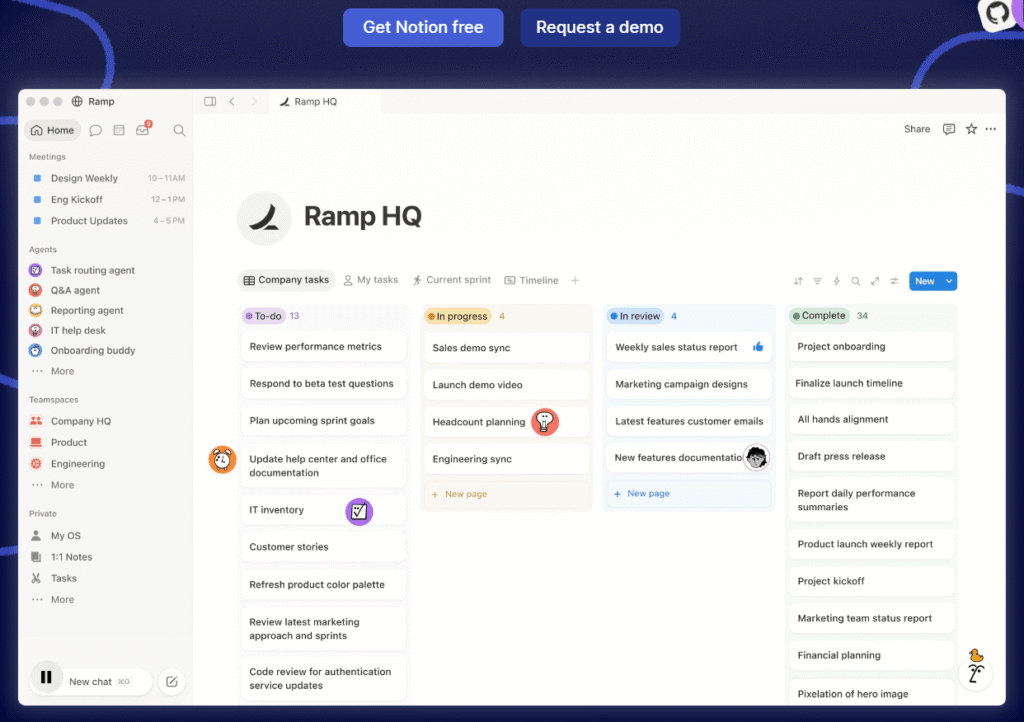
Notion without AI is already one of the most capable personal knowledge management tools. With AI, it becomes a system that actively works on your notes—not just stores them. The best workflow is simple: take messy, stream-of-consciousness notes during a lecture. Then use Notion AI to structure them into a coherent summary. It will bold key terms and extract action items.
For complex, multi-semester projects—such as thesis research, startup coursework, or internship applications—Notion’s database architecture and its AI layer work together. They provide something closer to a personalized research assistant than a simple note-taking app.
Best for: Lecture notes | Project management | Writing assistance | Study planning
Pro tip: Create a “Weekly Review” template and ask Notion AI to generate a progress report across all your active projects. Five minutes on Sunday morning prevents weeks of drift.
4. Grammarly – Precision Over Polish
Access: Grammarly | Free tier covers core grammar/spelling
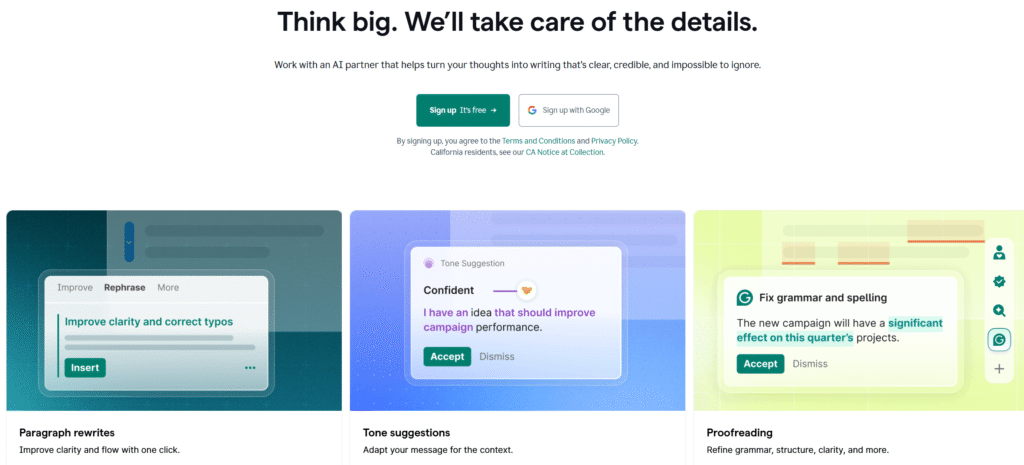
Grammarly is often dismissed as a spellchecker, but that framing undersells it. According to a report from TechRadar, the free version of Grammarly provides effective grammar correction, helping non-native English writers improve their language skills through real-time feedback. The browser extension integrates into Google Docs, Gmail, and most web writing surfaces. Feedback appears where you are writing, not in a separate application.
The 2024/2025 AI improvements—especially tone detection and full-sentence rewrite suggestions—push the free tier closer to what once required a premium subscription. For academic submissions and scholarship applications, even a single grammatical error can undermine strong work. According to Tom’s Guide, Grammarly now offers 9 AI agents that serve as intelligent collaborators throughout the writing process, providing more than just a final grammar audit. The platform is suited for uses such as academic papers, emails, application essays, and real-time writing feedback.
Best for: Academic papers | Emails | Application essays | Real-time grammar feedback
Pro tip: After Grammarly’s suggestions are applied, paste the final text into ChatGPT and ask: “Does this read as natural, sophisticated academic English? Flag any phrases that sound non-native.” Two-pass editing catches what either tool alone misses.
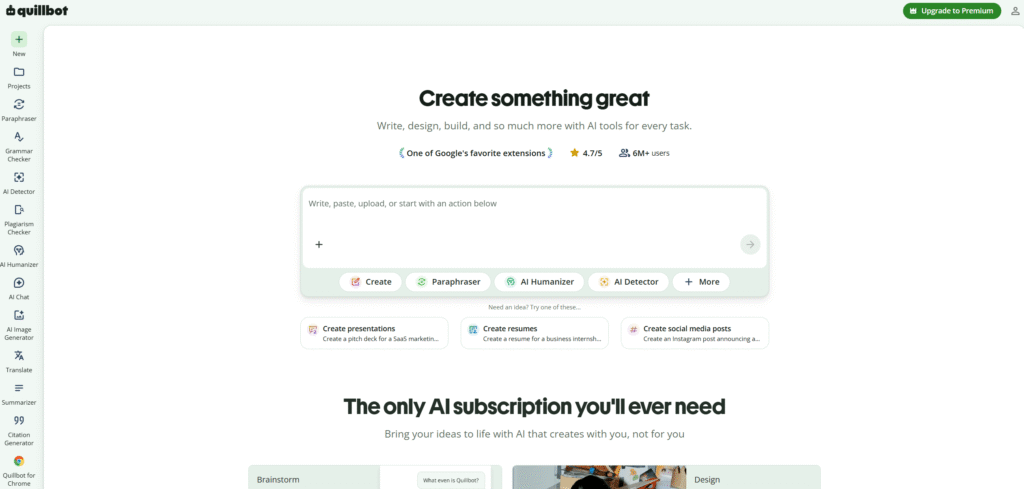
5. QuillBot – The Precision Paraphrasing Engine
Access: QuillBot | Free tier: paraphrase + summarise
A note on academic integrity before anything else: paraphrasing tools are not a shortcut around learning. They are most legitimately used when you fully understand a source and need help rendering that understanding in the original language – not when you are attempting to disguise the fact that you did not read something.
With that caveat established, QuillBot’s paraphrase modes – particularly Formal and Academic – are genuinely useful for graduate students who work extensively in their second or third language, and for anyone learning how expert writers construct complex sentences. The summarisation tool accurately distils long texts into core arguments, which is valuable for rapid literature triage when you have thirty papers and four hours.
Best for: Academic paraphrasing | Abstract generation | ESL writing support | Literature triage
Pro tip: Use the “Compare modes” feature: paste a passage and generate three different paraphrase variants. Studying the differences teaches you more about academic register than most style guides.
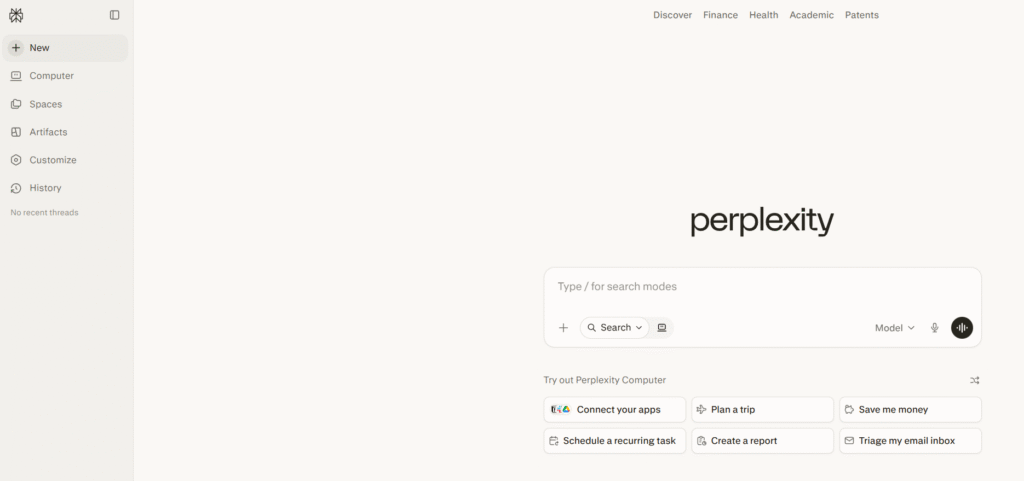
6. Perplexity AI – The Cited Answer Engine
Access: Perplexity AI | Free tier includes daily Pro searches
Perplexity marks a meaningful departure from traditional search. Where Google returns ten blue links and leaves the synthesis to you, Perplexity performs the synthesis in real time. It attaches citations to specific claims. For a student trying to quickly learn about an unfamiliar field, such as the main competing theories on neuroplasticity in adults, Perplexity is much faster than a traditional literature search workflow.
The important caveat: Perplexity is not a substitute for primary source engagement. It is a scouting tool. Use it to identify which sources, authors, and debates matter, then read those sources directly. Its citations are a map, not the territory.
Best for: Background research | Fact-checking | Topic orientation | Source discovery
Pro tip: Frame queries as academic research questions rather than keyword searches. “What empirical evidence exists for and against the digital-distraction hypothesis in adolescent learning?” yields structured, citable output.
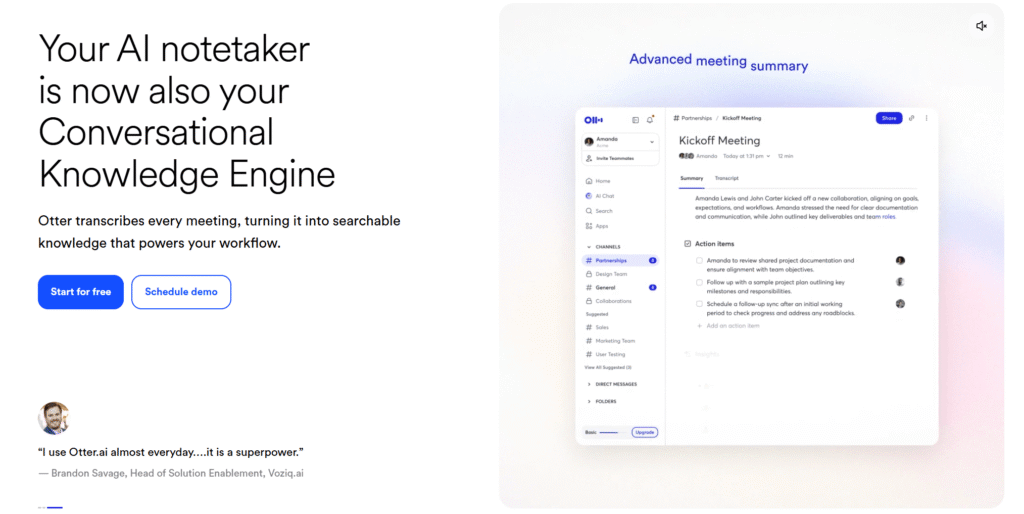
7. Otter.ai – The Attention Liberation Tool
Access: Otter.ai | Free tier: limited transcription minutes/month
The cognitive trade-off in every lecture is the same: the more attention you allocate to note-taking, the less you have for comprehension. Otter.ai breaks this constraint. Recording and transcribing in real time lets you fully participate in the intellectual exchange of a lecture, knowing that the verbatim record is automatically captured. The post-lecture workflow – skimming the transcript, highlighting key sections, exporting to Notion – takes fifteen minutes and produces better notes than most people generate during the lecture itself.
For international students in English-medium institutions, the transcript serves a second purpose: it functions as a reading comprehension resource, allowing nuanced points to be revisited without relying on imperfect in-the-moment understanding.
Best for: Lecture transcription | Meeting notes | Language support | Post-class review
Pro tip: Combine Otter with NotebookLM: export the lecture transcript, upload it alongside your course readings, then ask NotebookLM to identify which transcript sections relate to the assigned readings. That synthesis would take hours manually.
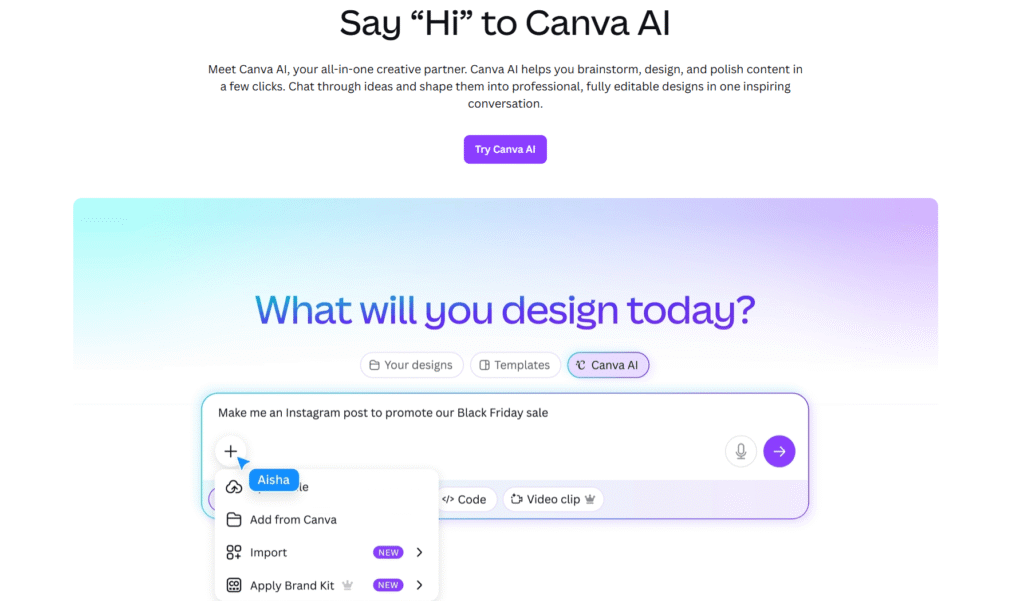
8. Canva AI – Professional Visual Communication Without Design Training
Access: Canva AI | Generous free tier with AI features
Design is a communication skill, and most students are systematically undertrained in it. A well-designed presentation does not just look better – it demonstrates that the presenter has carefully thought through the information hierarchy and audience comprehension. Canva’s Magic Design feature automates the layout decisions that slow down most non-designers, allowing you to focus on information architecture rather than visual execution.
Beyond presentations: Canva AI is genuinely useful for research posters, data-heavy report infographics, society promotional materials, and LinkedIn-ready profile graphics. The platform’s design templates are consistently up to date with professional standards, so outputs do not look like student work.
Best for: Presentations | Research posters | Infographics | Personal branding
Pro tip: For thesis or dissertation presentations, use Canva’s “Brand Kit” feature to create a consistent visual identity across all slides, posters, and documents. Consistency signals professionalism more than any individual design choice.
Strategic Principles for AI-Augmented Learning:
Eight tools warrant five points of caution.
01 AI amplifies your thinking; it does not replace it. The quality of AI output is bounded by the quality of your input. Vague prompts produce generic output. Specific, well-framed queries – informed by genuine domain knowledge – produce specific, useful output.
02 Hallucination is structural, not occasional. All current large language models fabricate plausible-sounding information with confidence. Any factual claim, citation, or statistic that matters must be independently verified. This is not optional.
03 Academic integrity policies are evolving rapidly. What is permitted in one course may be prohibited in another. Read the policy for each assessment before using AI assistance, not after.
04 Your privacy is the product in many free tiers. Most free AI tools use user inputs to improve their models. Do not upload confidential research data, personally identifiable information, or proprietary material without reading the privacy policy.
05 Build a stack, not a habit. The most productive AI users are not loyal to one tool. They have developed judgment about which tool serves which task. Perplexity for orientation, NotebookLM for synthesis, ChatGPT for reasoning, Grammarly for output quality – each has a distinct role.
The Honest Bottom Line
These tools do not make difficult things easy. They make the right things faster. The student who reads primary sources, thinks carefully, and uses AI to accelerate the mechanical parts of that process will consistently outperform both the student who ignores AI entirely and the student who outsources their thinking to it. The tools are neutral. The strategy is everything.