
You probably do not need another list of one hundred AI apps.
You need fewer tools that remove real work from your day.
That shift defines the AI productivity market in 2026.
The strongest products now connect context, decisions, files, and actions.
They do more than generate text inside another browser tab.
They help move work from input to finished output.
That is why the best AI Productivity Tools should support a workflow.
A useful system starts with your recurring work, not a trending product.
This guide shows how to build that system without technical complexity.
01 Why Most AI Tool Lists Fail
Long tool lists create awareness, but they rarely create adoption.
People bookmark impressive apps and return to familiar manual habits.
The problem is not weak AI capability.
The problem is missing workflow design.
A beginner asks AI to draft one email.
A stronger workflow starts from meeting notes and ends with follow-up tasks.
That workflow can summarize decisions, draft messages, and prepare next actions.
The value comes from fewer handoffs and less repeated context.
So stop asking which tool has the longest feature list.
Ask which tool removes the most friction from a recurring process.
02 Three Rules Before You Buy Another AI Tool
Start with repetition
List tasks you repeat every day or week.
Look for copying, summarizing, formatting, scheduling, searching, and follow-up work.
These tasks usually offer the clearest automation opportunities.
Measure handoffs
Count how often information moves between email, documents, meetings, and task systems.
Every manual handoff creates delay and error risk.
Good AI Automation for Work should reduce those handoffs.
Protect judgment
Keep human review for decisions with financial, legal, reputational, or customer impact.
Automate preparation before you automate final approval.
That approach improves speed without surrendering accountability.
03 The Five AI Workflows Every Professional Should Build
Workflow 1: Information Processing
Best for research-heavy roles, managers, analysts, and client-facing teams.
- Collect emails, webpages, PDFs, and notes.
- Summarize the material into a consistent structure.
- Extract decisions, risks, questions, and action items.
- Route the useful output into your working document.
Tool fit: Good fits include ChatGPT, Notion AI, and research-focused assistants.
Practical test case: Compare three documents and turn them into one decision brief.
What good looks like: A strong result cites source material and separates facts from recommendations.
Try this: Test one research workflow before adding another standalone summarizer.
Workflow 2: Content Production
Best for marketers, sales teams, consultants, creators, and managers.
- Start with a real brief and target audience.
- Research the topic before drafting copy.
- Build a structured outline with clear search intent.
- Draft, edit, fact-check, and adapt for each channel.
Tool fit: ChatGPT and Canva can cover different parts of this chain.
Practical test case: Turn one product brief into a blog, email, and social asset.
What good looks like: The best workflow preserves brand context across formats and revisions.
Try this: Use AI across the production chain, not only for the first draft.
Workflow 3: Meeting Follow-Up
Best for managers, sales teams, recruiters, agencies, and project leaders.
- Capture the meeting with proper participant consent.
- Generate a summary with decisions and unresolved questions.
- Extract action items with owners and deadlines.
- Send tasks into the system where work actually happens.
Tool fit: Notion AI and Fireflies support meeting notes and action extraction.
Practical test case: Convert a project meeting into a concise follow-up package.
What good looks like: The real benefit appears after the meeting, when actions stay connected.
Try this: Choose a meeting assistant that can hand work into your existing system.
Workflow 4: Data Analysis
Best for operators, marketers, finance teams, sales leaders, and generalists.
- Start with clean data and clear column names.
- Ask a business question before asking for a chart.
- Inspect assumptions, formulas, and unusual values.
- Turn findings into a decision, not another dashboard.
Tool fit: ChatGPT can analyze common data files and create tables or charts.
Practical test case: Identify anomalies and summarize their possible business impact.
What good looks like: Always verify calculations when the decision carries meaningful risk.
Try this: Test your next spreadsheet question before buying another analytics add-on.
Workflow 5: Personal Execution System
Best for professionals juggling tasks, deadlines, projects, and changing priorities.
- Capture work in one trusted task system.
- Add deadlines, priorities, and realistic effort estimates.
- Let automation schedule or route routine work.
- Review exceptions and adjust priorities when circumstances change.
Tool fit: Motion focuses on automatic scheduling and connected task execution.
Practical test case: Enter a mixed week of deadlines and changing priorities.
What good looks like: Scheduling automation works best when tasks have clear durations and deadlines.
Try this: Clean your task list before testing automated planning.
04 The Best AI Productivity Tools for Different Workflows
ChatGPT
Best for: Research, writing, file-based analysis, and multi-step knowledge work.
Why it stands out: ChatGPT can work across files and connected apps, conduct research and analysis, and turn goals into finished work; Projects keep related files, instructions, and conversations together. Official source
Limitation: High-impact outputs still need source checks, permission awareness, and human approval.
Try it: Start with one recurring process such as research, analysis, and drafting.
Notion AI
Best for: Teams that already manage projects, knowledge, and meetings inside Notion.
Why it stands out: Notion combines agents, Enterprise Search, AI Meeting Notes, and connected-app context; its 2026 releases expanded agent connections and supported file types. Official source
Limitation: The value is strongest when Notion is already a system of record, and plan or credit requirements may matter.
Try it: Use meeting notes plus workspace context to prepare project updates and follow-up actions.
Gumloop
Best for: No-code, cross-app automation across repeatable business processes.
Why it stands out: Gumloop combines agents with visual workflows that can run on schedules or react to external events. Official source
Limitation: Complex automations need testing, exception handling, credential governance, and usage monitoring.
Try it: Automate one stable process with clear inputs, outputs, and exception rules.
Motion
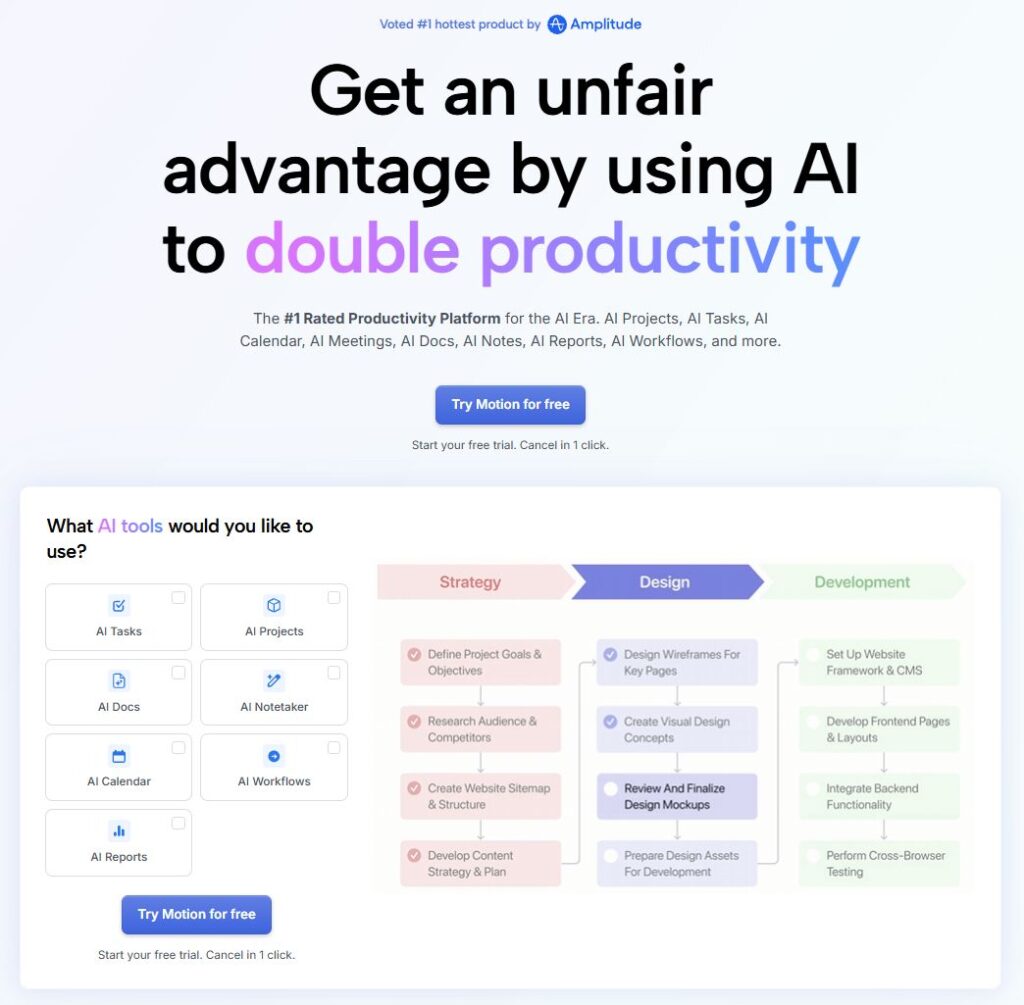
Best for: Professionals and teams whose main bottleneck is daily prioritization and rescheduling.
Why it stands out: Motion automatically schedules tasks around deadlines, priorities, durations, and calendar availability, then adjusts as constraints change. Official source
Limitation: Results depend on clean task data, realistic estimates, and consistent calendar discipline.
Try it: Enter one real week of tasks and compare how much schedule-maintenance work it removes.
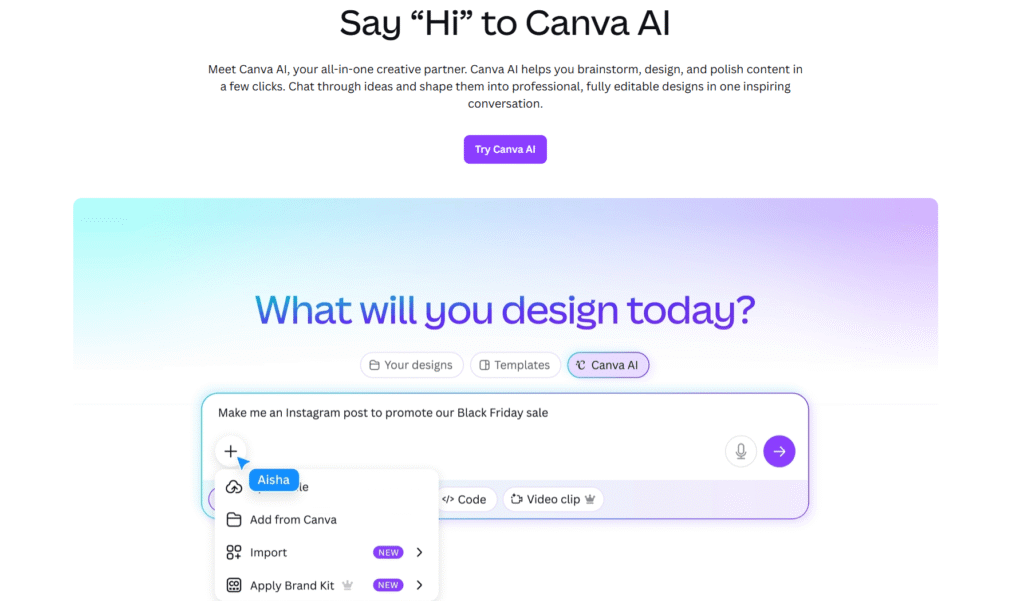
Canva AI
Best for: Marketers, creators, and content teams that need fast, editable visual output.
Why it stands out: Canva AI 2.0 combines conversational creation, agentic editing, connectors, scheduling, web research, and editable design workflows. Official source
Limitation: Generated media still needs brand, factual, licensing, and quality review before publishing.
Try it: Turn one approved brief into a small set of editable, channel-ready visual assets.
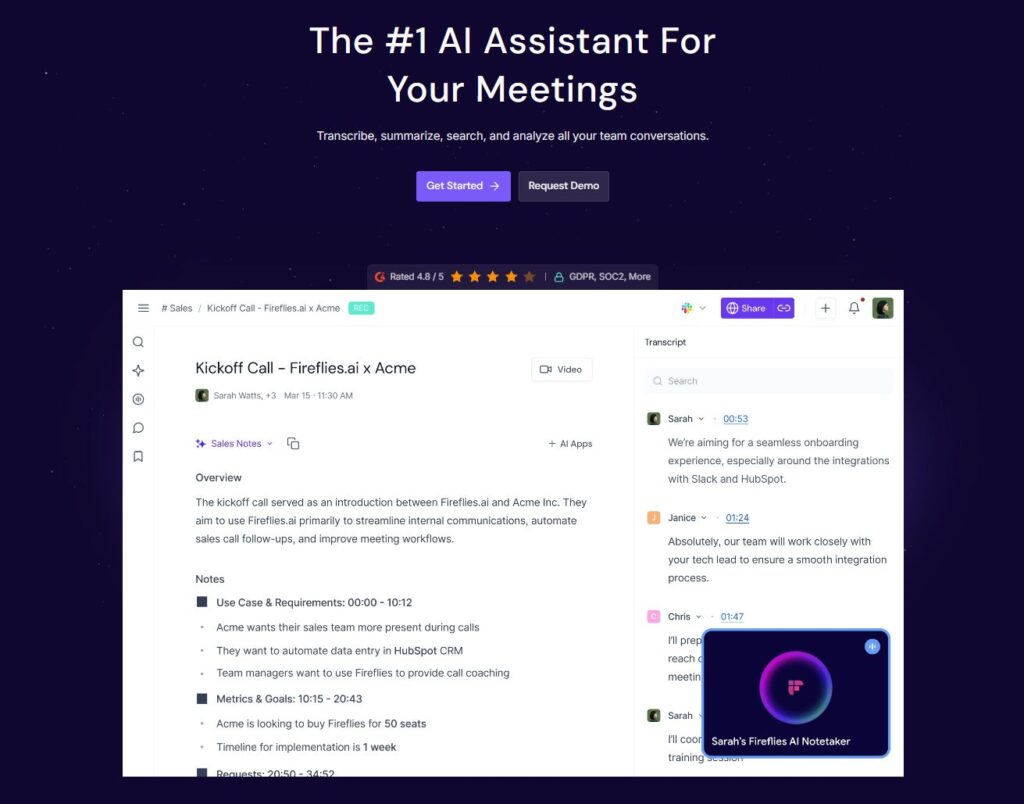
Fireflies
Best for: Teams where meeting capture and follow-up create recurring administrative work.
Why it stands out: Fireflies can transcribe and summarize meetings, surface action items, and connect meeting outputs with other business systems. Official source
Limitation: Recording consent, privacy and retention settings, and integration permissions need deliberate review.
Try it: Test one recurring meeting and verify that action items reach the system where work is managed.
05 How to Choose the Best AI Tools for Work
There is no universal winner among AI tools for work.
The best choice depends on your workflow, existing stack, and risk tolerance.
Use this scorecard before paying for another subscription.
| Criterion | Question |
| Time to useful output | Can a new user complete a real task quickly? |
| Workflow fit | Does the tool support your recurring process? |
| Integration depth | Can it move information without repeated copy-paste? |
| Output quality | Does the result need heavy rewriting or correction? |
| Control | Can you review, edit, approve, and recover from mistakes? |
| Security | Does the tool match your data and compliance requirements? |
| Cost discipline | Does usage replace enough labor or software friction? |
06 Build Your First AI Productivity System Today
Step 1: Pick one repeated task — Choose a task that happens several times each week.
Step 2: Write the current process — Document each input, decision, handoff, and final output.
Step 3: Choose one core model — Use one general AI assistant before adding specialized products.
Step 4: Add one supporting tool — Pick a meeting, automation, design, or scheduling tool only when needed.
Step 5: Run a controlled test — Use the same input and quality checklist for several repetitions.
Step 6: Keep only measurable improvements — Cancel tools that add setup without reducing meaningful work.
This approach works especially well for professionals introducing AI into everyday work.
It makes adoption easier because you learn through one useful workflow instead of chasing isolated features.
You build confidence around a real process before adding more tools.
07 Common Mistakes That Kill AI Productivity
- Buying overlapping tools before defining a workflow.
- Automating a broken process instead of simplifying it first.
- Sending sensitive information without checking policies and permissions.
- Skipping human review for high-impact decisions.
- Measuring output volume instead of completed business outcomes.
- Using AI drafts without adding expertise, evidence, or original judgment.
- Treating Best AI Tools for Productivity lists as universal rankings.
08 A Practical Shortlist for Different Workflows
| Workflow | Best tool | Best for | Difficulty |
| Research & writing | ChatGPT | Knowledge workers | Easy |
| Knowledge management | Notion AI | Teams already in Notion | Easy |
| Cross-app automation | Gumloop | Repeatable business processes | Medium |
| Dynamic task planning | Motion | Busy professionals | Easy |
| Visual content | Canva AI | Marketers & creators | Easy |
| Meeting follow-up | Fireflies | Sales & project teams | Easy |
Start with the tool that solves your most expensive recurring bottleneck.
Test it on one real workflow before adding anything else.
If it removes measurable friction without increasing review burden, keep it. If not, move on.
| NEXT STEP Choose the tool that best matches your workflow, test it for one to two weeks, and keep it only if the improvement is measurable. |
FAQ AI Productivity Tools in 2026
What are AI Productivity Tools?
They help people research, create, analyze, organize, schedule, or automate work with AI assistance.
Which AI tool should beginners start with?
Start with one general assistant and one repeated task. Add specialized tools after you prove a need.
Is ChatGPT enough for most office work?
It can cover many knowledge tasks. Specialized meeting, scheduling, or automation tools may reduce extra handoffs.
What is AI Workflow Automation?
AI Workflow Automation connects AI decisions with repeatable steps, triggers, data, and actions across a process.
Can non-technical users build automations?
Yes. Modern No-Code AI Automation tools use visual builders, natural language, templates, or agent instructions.
How should I evaluate an AI subscription?
Measure workflow time, output quality, correction effort, integration value, security fit, and recurring usage.
Will AI automatically improve productivity?
No. Poor inputs, broken processes, and weak review can make work faster but less reliable.
What is the safest way to begin AI Automation for Work?
Automate low-risk preparation first. Keep human approval for sensitive actions and important decisions.
How often should I review my AI tool stack?
Review it whenever workflows change. Remove overlapping tools that no longer create measurable value.
Which AI productivity tool is best for small businesses?
Start with the tool that removes your most repeated bottleneck. ChatGPT is broad for knowledge work, Notion AI fits teams already in Notion, Gumloop suits cross-app automation, Motion focuses on planning, Canva AI supports visual production, and Fireflies reduces meeting follow-up work.
The Real Productivity Advantage Is Workflow Design
The AI race no longer rewards people who collect the most applications.
It rewards people who connect the right tools to recurring work and remove unnecessary handoffs.
Your next step: Pick one recurring task that wastes time every week.
Choose the tool in this guide that best matches that bottleneck, then test the same workflow for one to two weeks.
Keep it only if it saves measurable effort without increasing correction or review work.
Start with one workflow today; add another tool only when the first system reveals a clear gap.